
Master Executive Projects in LayOut with no rework, optimized workflow, and greater productivity.
Even if today you feel insecure when detailing, spend hours organizing sheets, or fear missing important information in your project.
Achieve results in the very first week.

Subtitles in English and Spanish.
Have you ever gone through this in your executive project?
Have you ever delivered a project and the construction team couldn’t understand what you drew?
Have you spent hours adjusting sheets because essential information was missing?
Do you redo projects over small mistakes that could have been avoided?
Do you feel insecure when sending your sheets for technical approval?
There is a way to eliminate rework and organize your executive project
The MAP – Project Acceleration Method was developed for architects and professionals who want to:
Create clear detailing standards that can be applied to any project.
Deliver complete, well-organized sheets with no confusion on site.
Drastically reduce errors and rework.
Have total confidence when finalizing any executive project.
Discover the full potential of SketchUp LayOut
Save time, eliminate rework, and speed up your results.
Even if you’re starting from the beginning!
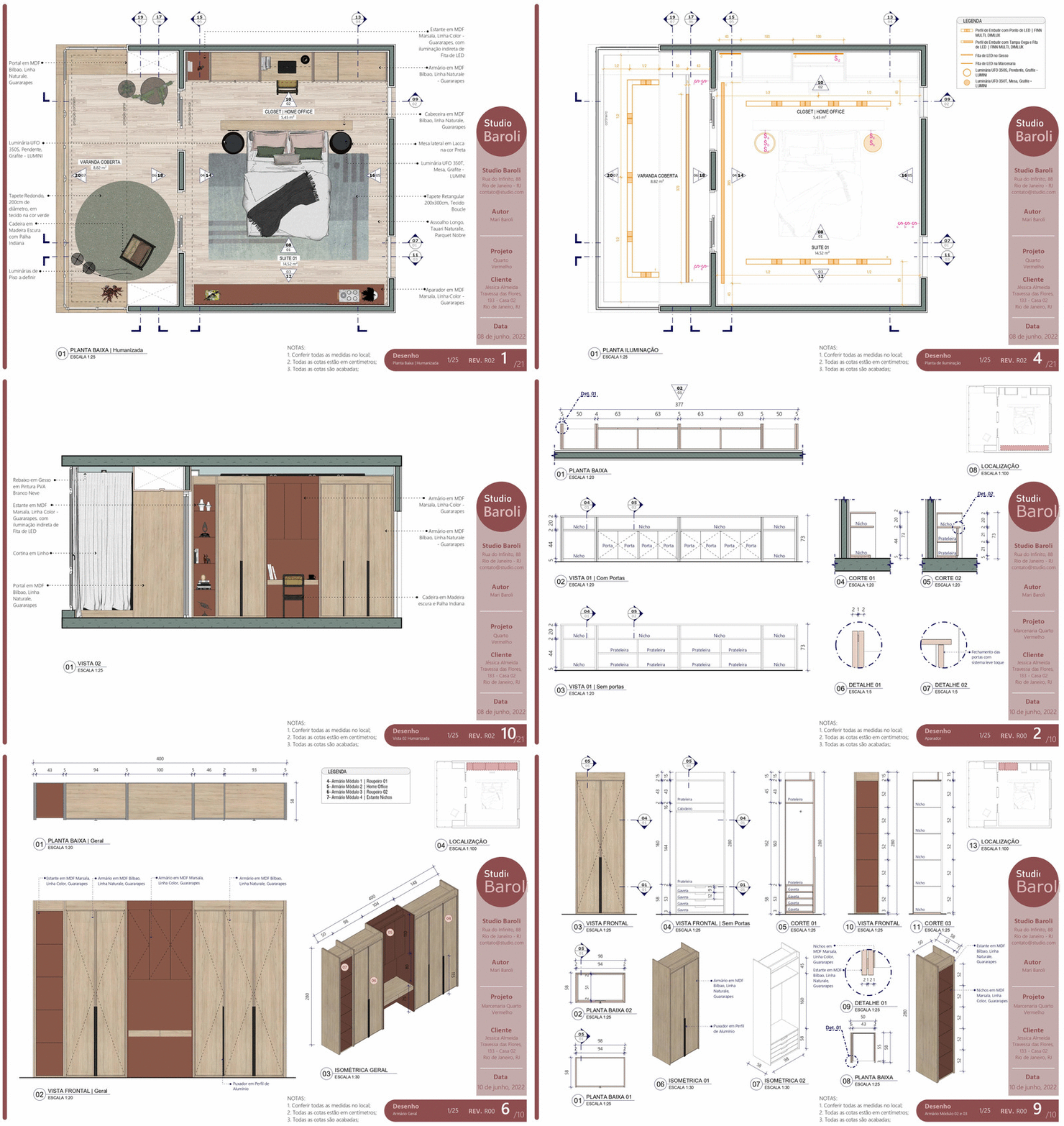
Create your entire executive project in SketchUp LayOut
By applying the full MAP methodology, you will be able to:
🔶 Create executive projects in a simple, fast, and practical way;
🔶 Gain confidence when designing and presenting your technical drawings;
🔶 Finally make it easier to attract clients;
🔶 Eliminate execution issues;
🔶 Have more free time to attract more clients and close more contracts.
And you will also:
🔶 Eliminate fear and frustration with your results;
🔶 Organize your workflow and gain the freedom to do what you want;
🔶 Be professionally recognized and valued.
Regardless of whether you:
🔶 Feel afraid of making mistakes;
🔶 Believe the competition is too high;
🔶 Think you don’t have enough experience;
🔶 Feel like you don’t have time to study.
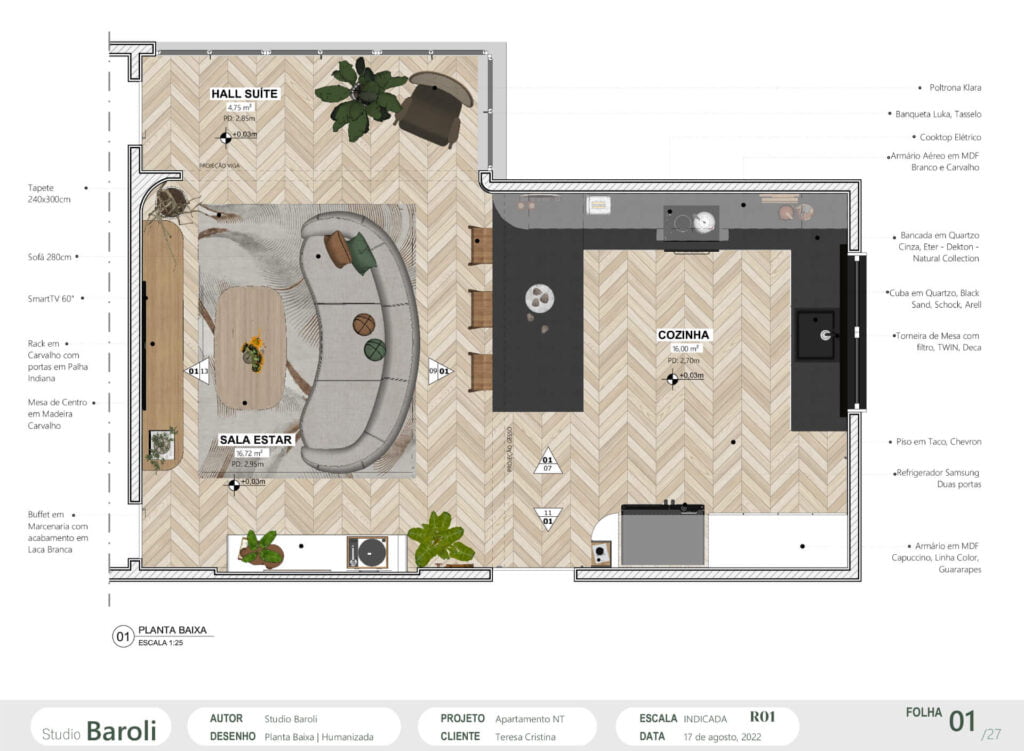
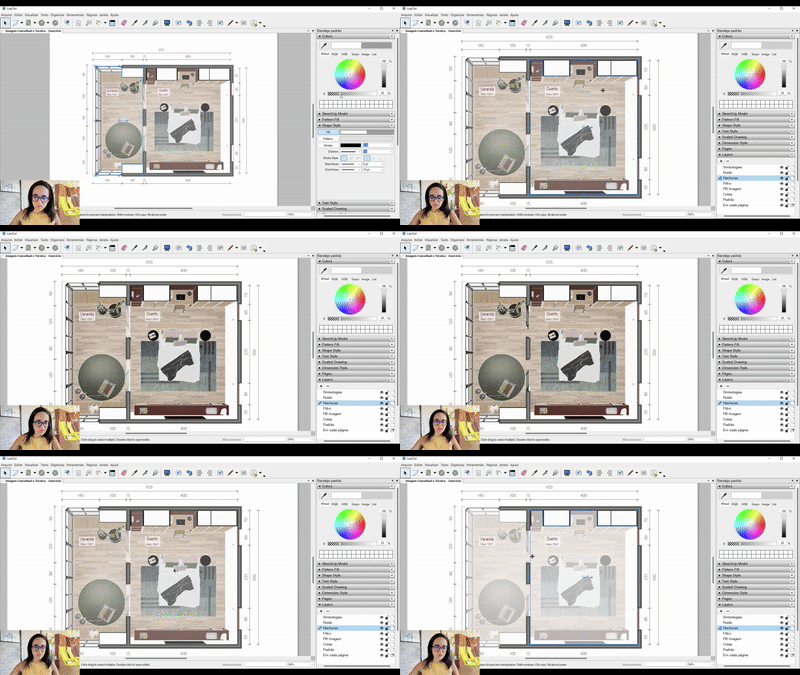
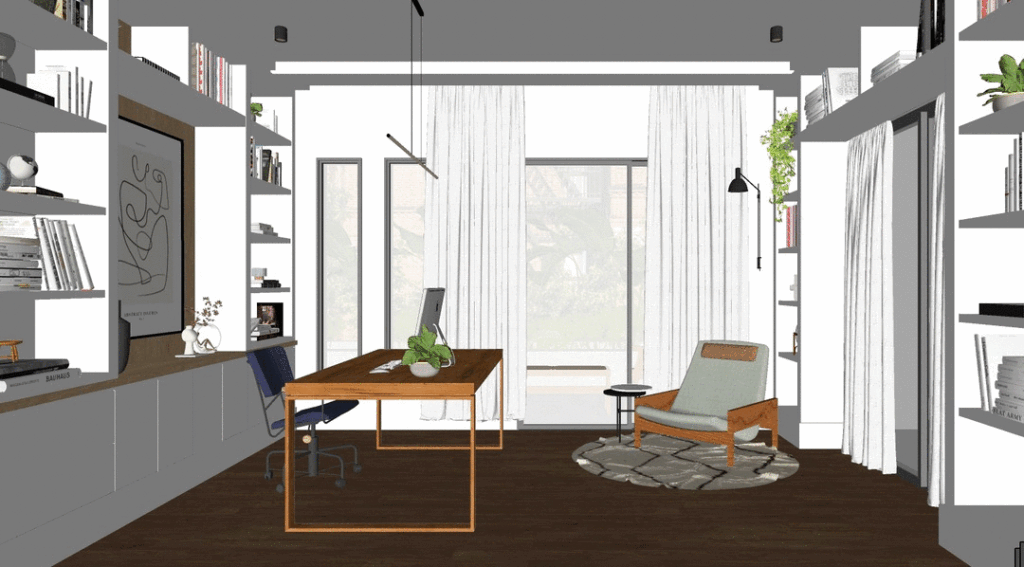
Learn how to create this exact image in the very first module
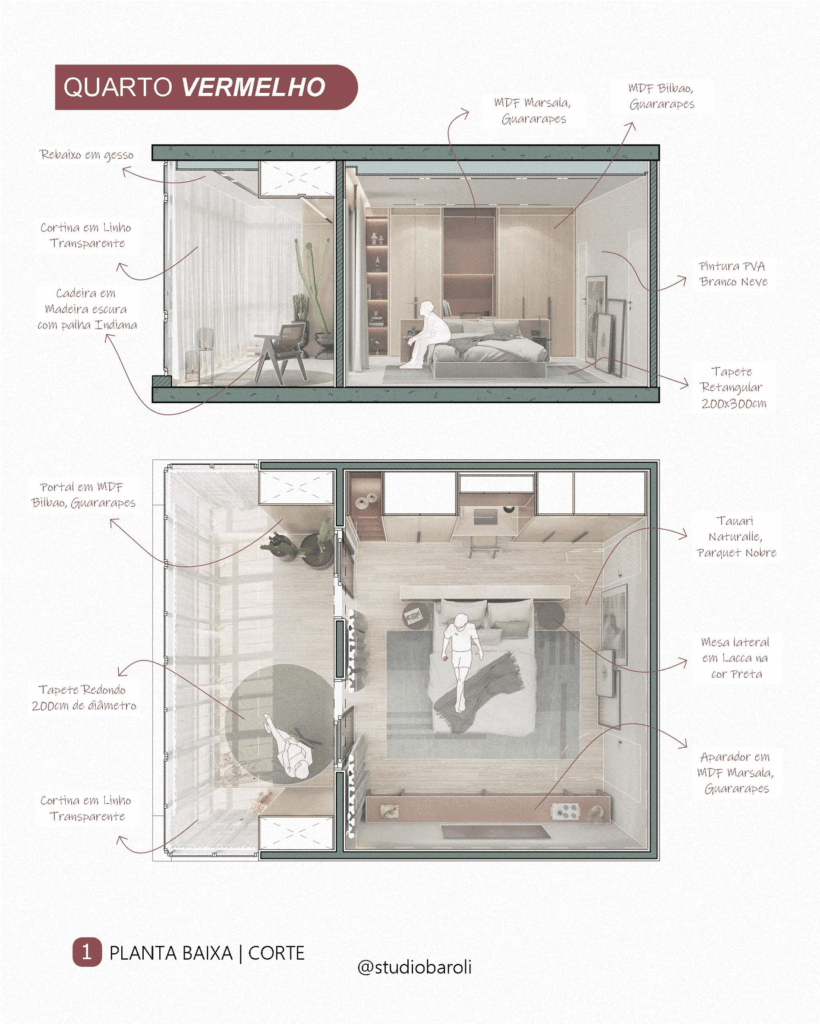
You will be able to achieve the result shown above even if you have never used SketchUp LayOut before.
And yes, this image was created using only SketchUp, LayOut, and Photopea (similar to Photoshop, but free).
The image above is fully taught in the course, with no need for rendering.
To create this image, you do NOT need to render. That’s right.
If you want to succeed, you need to master project representation
Beyond mastering technical drawings, you need to know how to present them in a clear, precise, and visually compelling way.
And for that, you need to master the right tools that take you to this next level.
It is possible to extract all technical information directly from the SketchUp 3D model, and also generate visually appealing drawings to build your portfolio and showcase your work.
You save time to focus on the growth of your studio, instead of spending hours and hours creating and redoing executive projects from scratch.
And you can also use the same 3D file both for rendering and for technical drawings.
With the executive project practically ready, and everything extracted from SketchUp 3D, you produce in less time.
As a result, you increase your potential to achieve higher profit from your work.
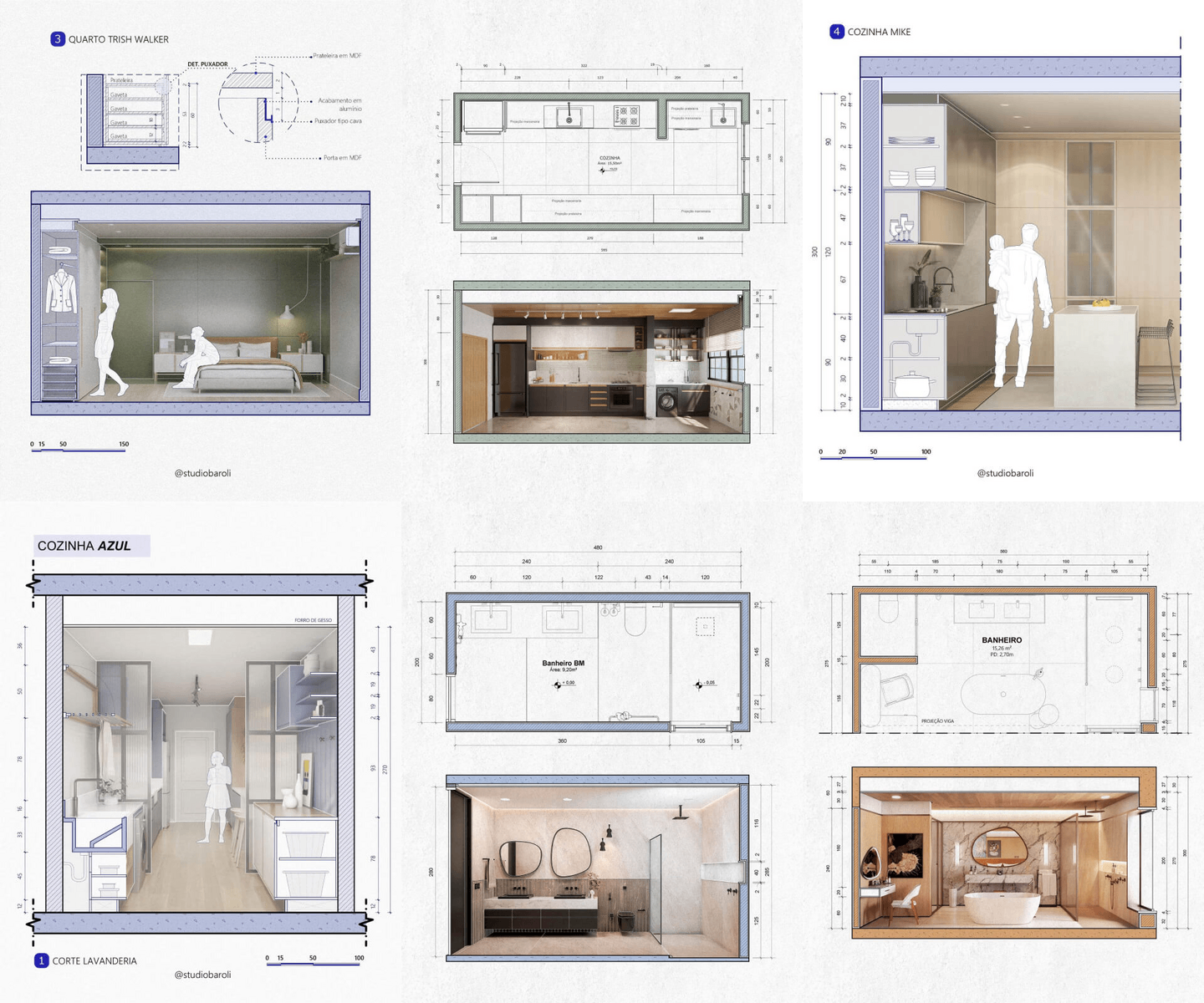
The MAP course has 4 stages:
Project Acceleration Method
You will learn how to master LayOut and achieve results in your very first week.
Automatic Management of Executive Projects
Build your project “factory” to automate the production of your projects.
Consistent Exponential Spiral
You will gain access to the knowledge needed to grow consistently and exponentially.
TASLA Model
Revolutionary: the perfect triad to help you generate ready-to-use, automated sheets in LayOut.
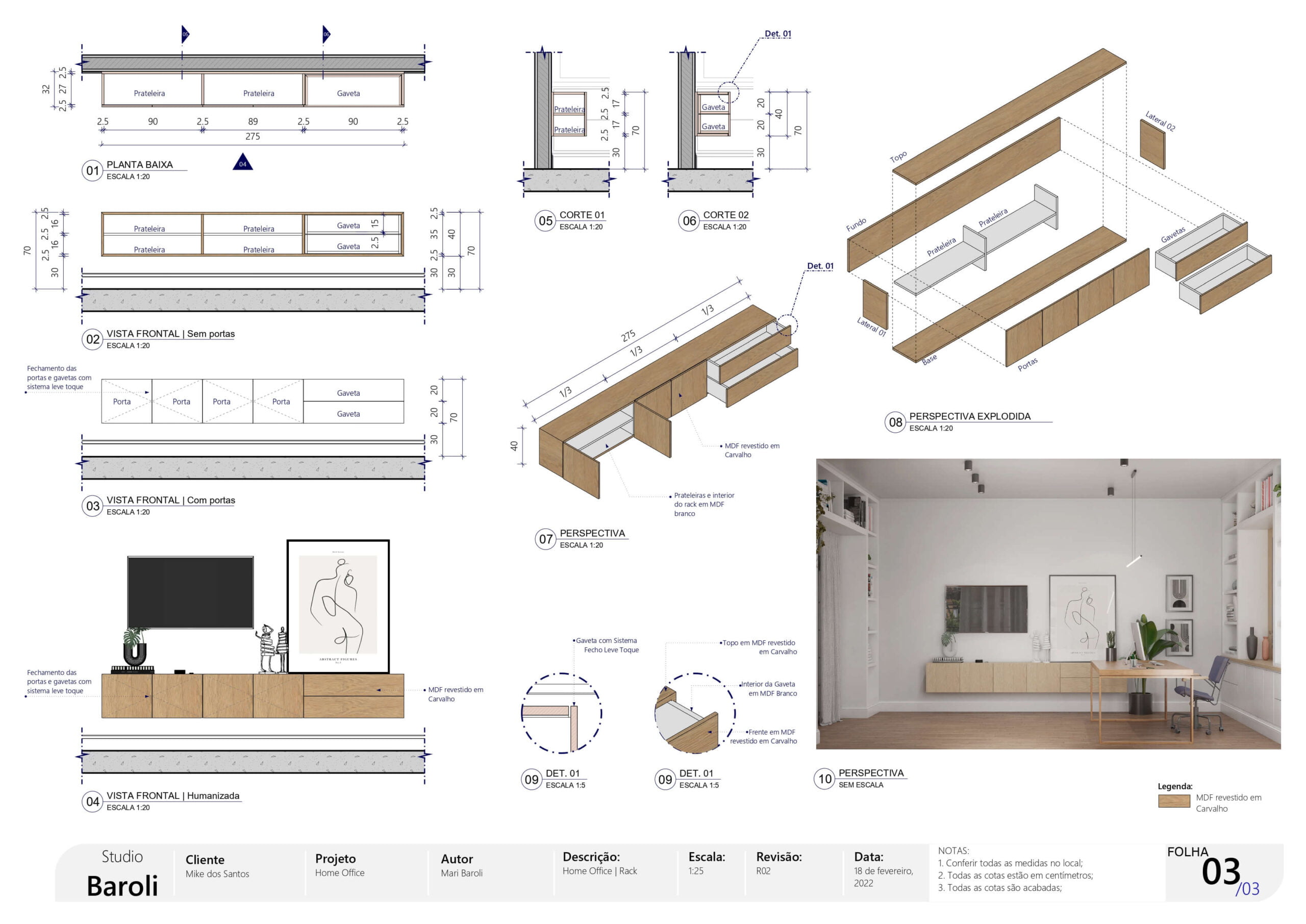
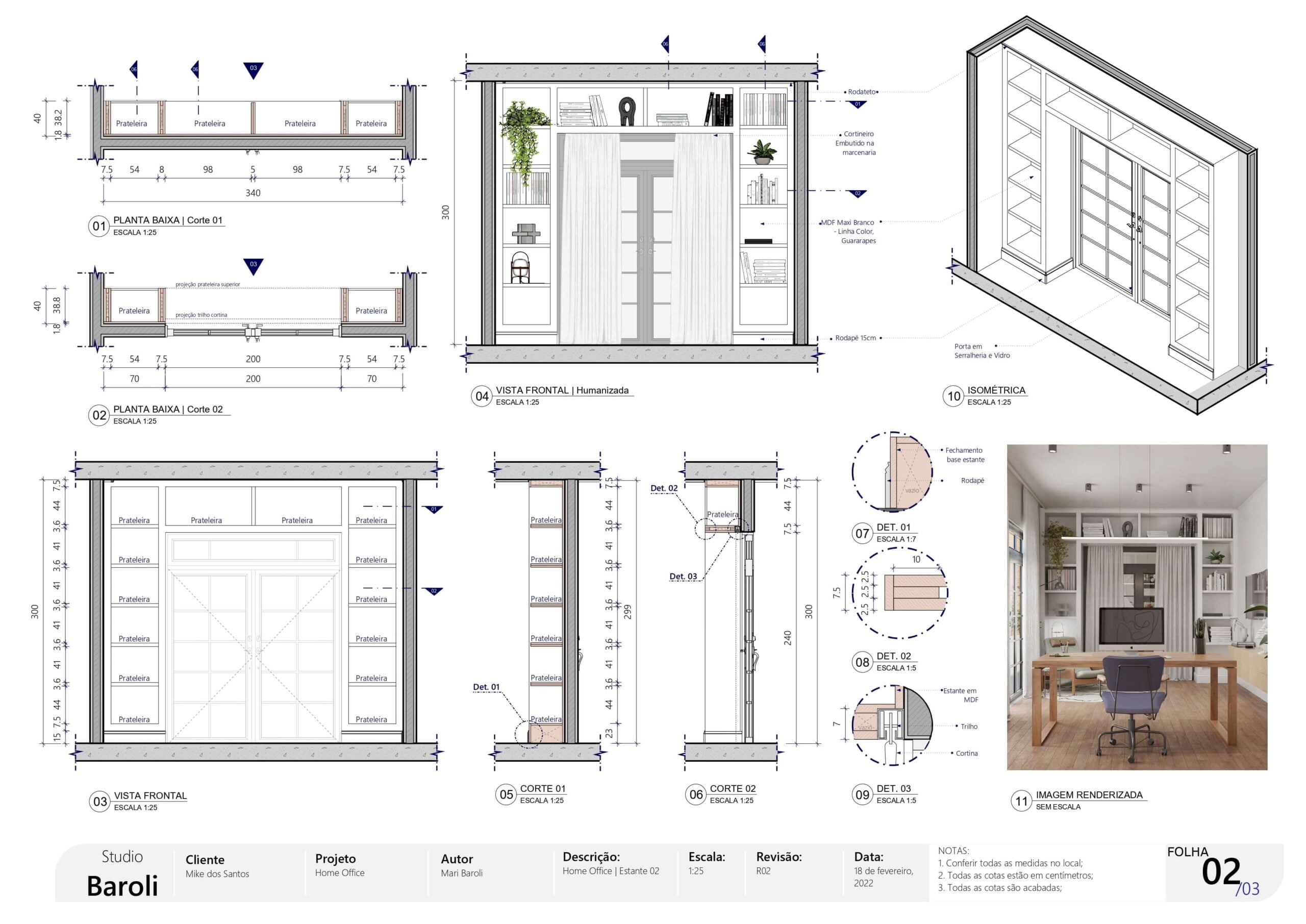
But after all, what is the LayOut tool?
SketchUp LayOut is a tool that comes bundled with SketchUp.
As soon as you install SketchUp, LayOut is installed automatically.
You don’t need to pay anything extra for it, nor install it separately if you already have SketchUp on your computer.
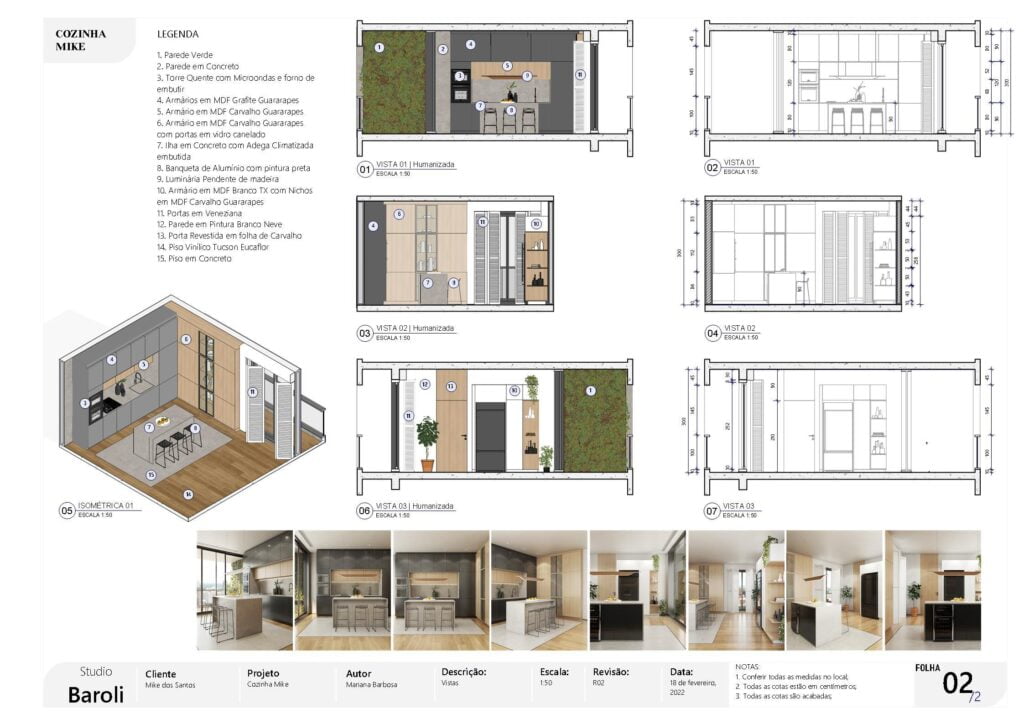
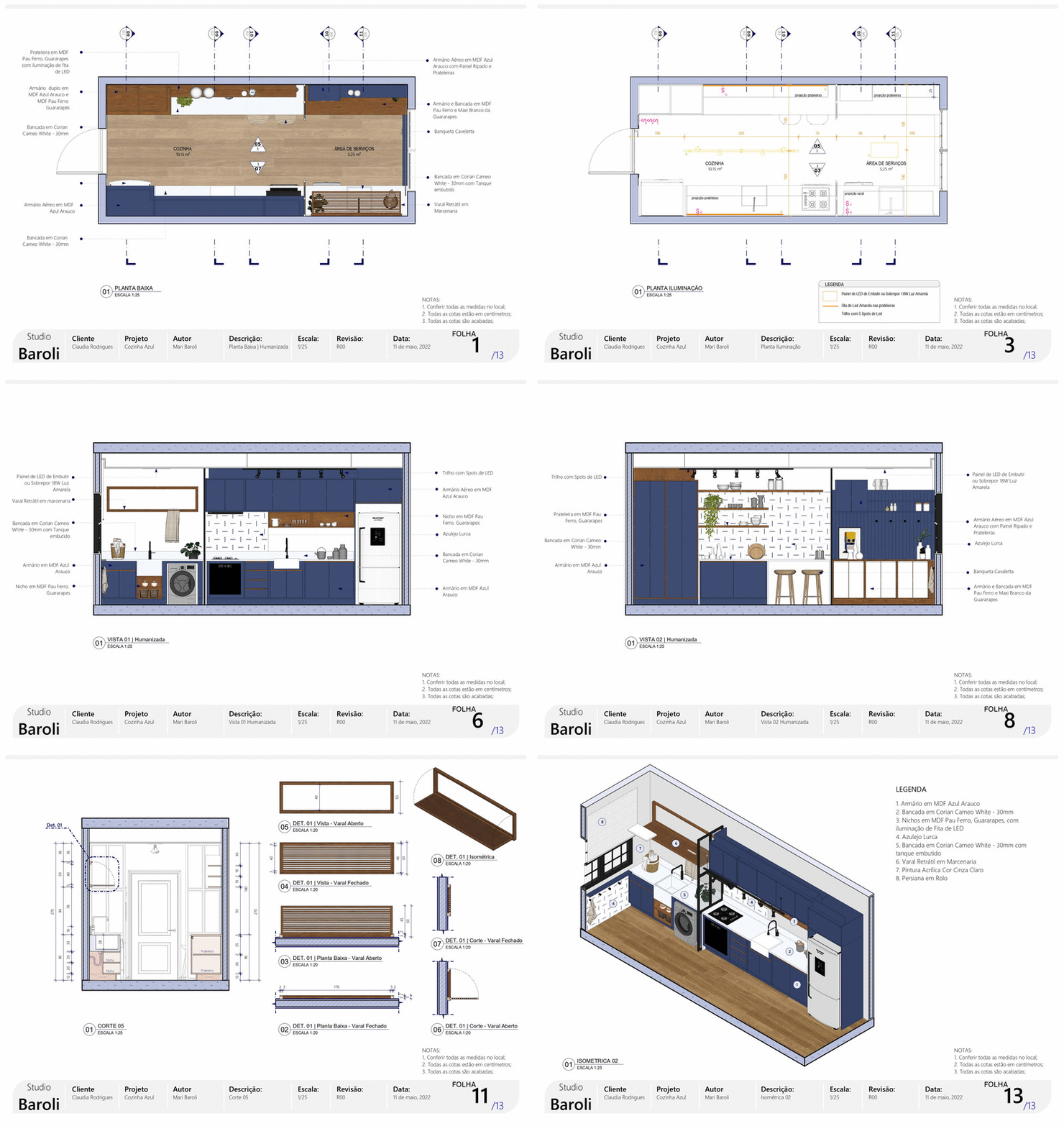
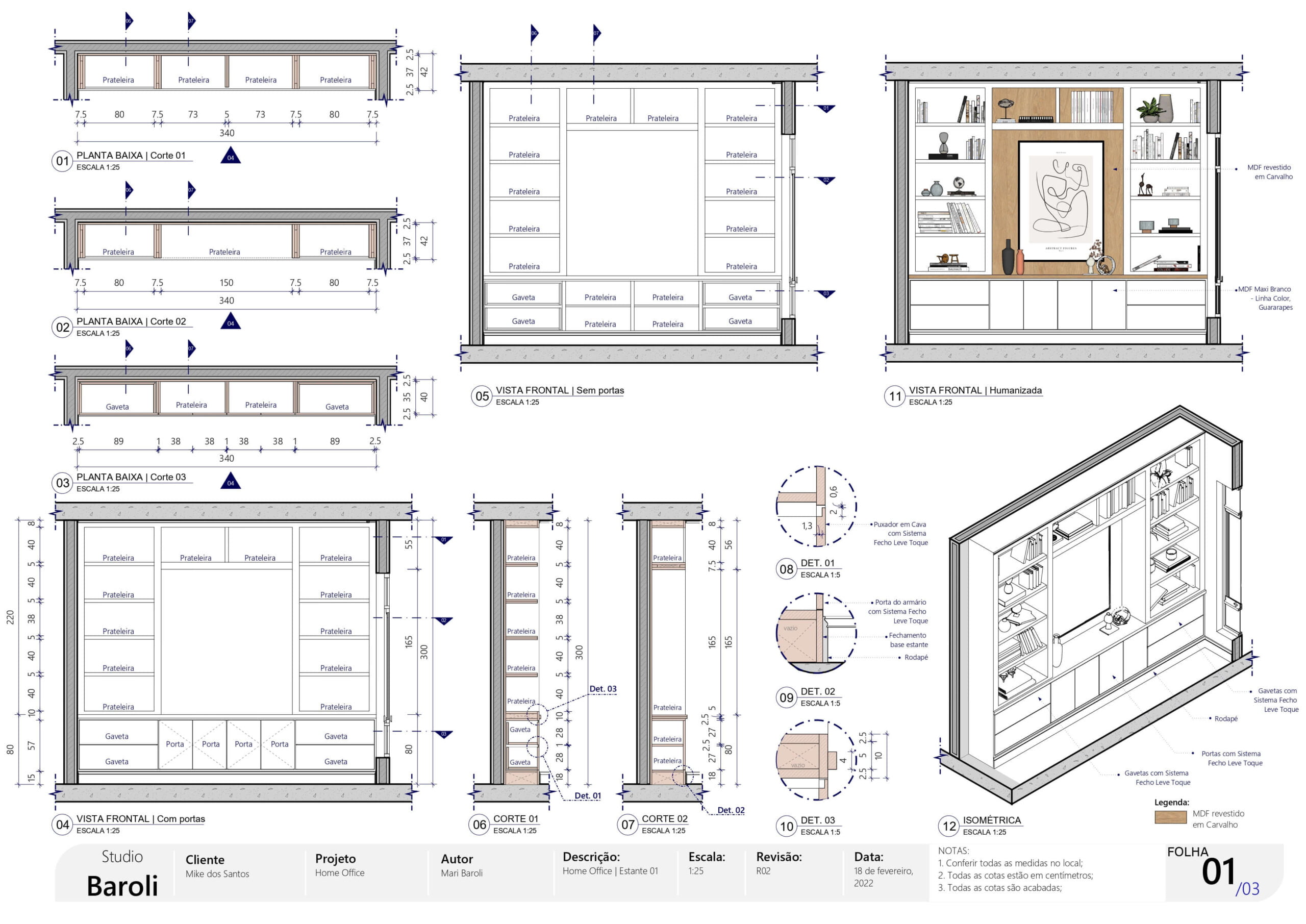
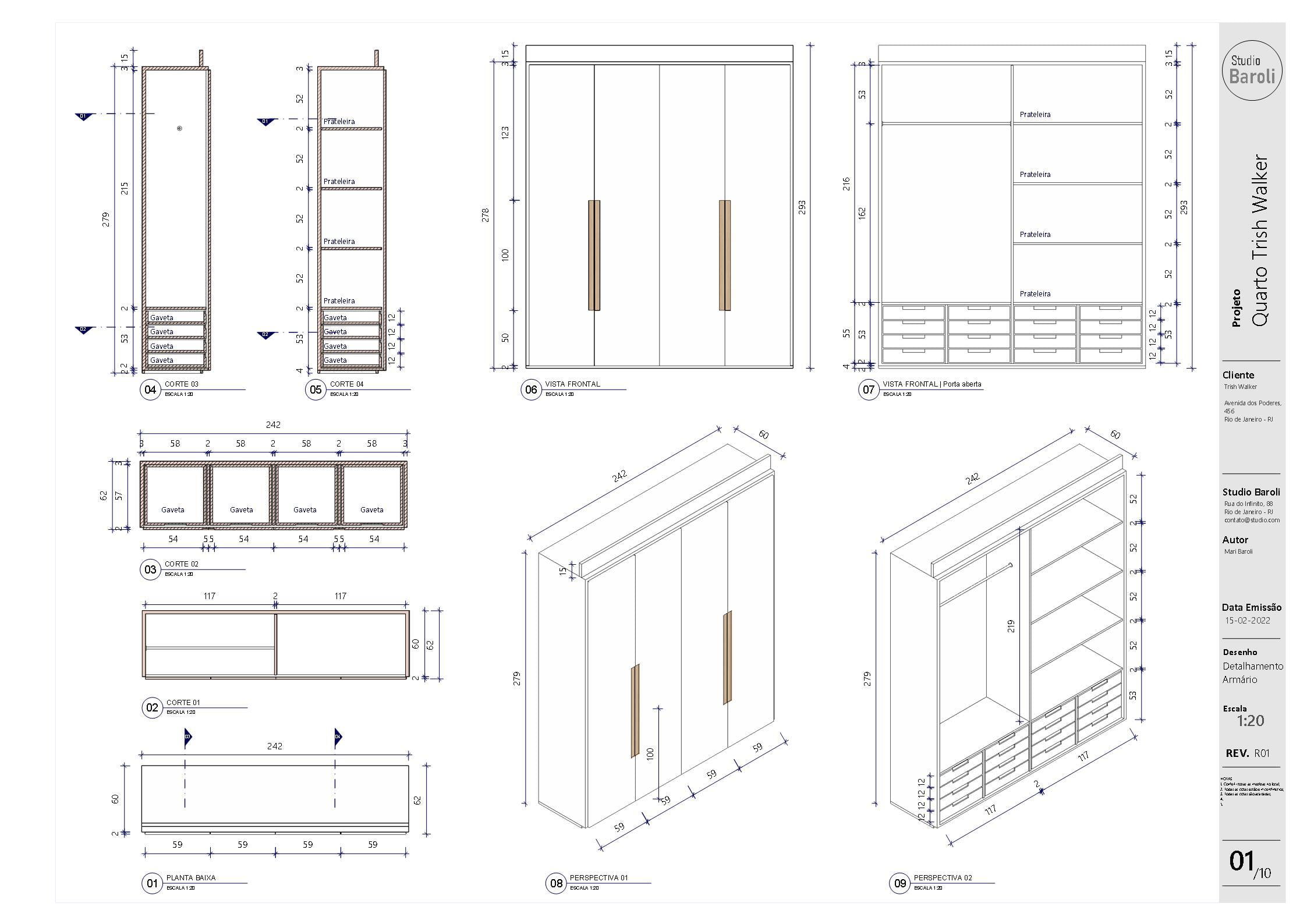
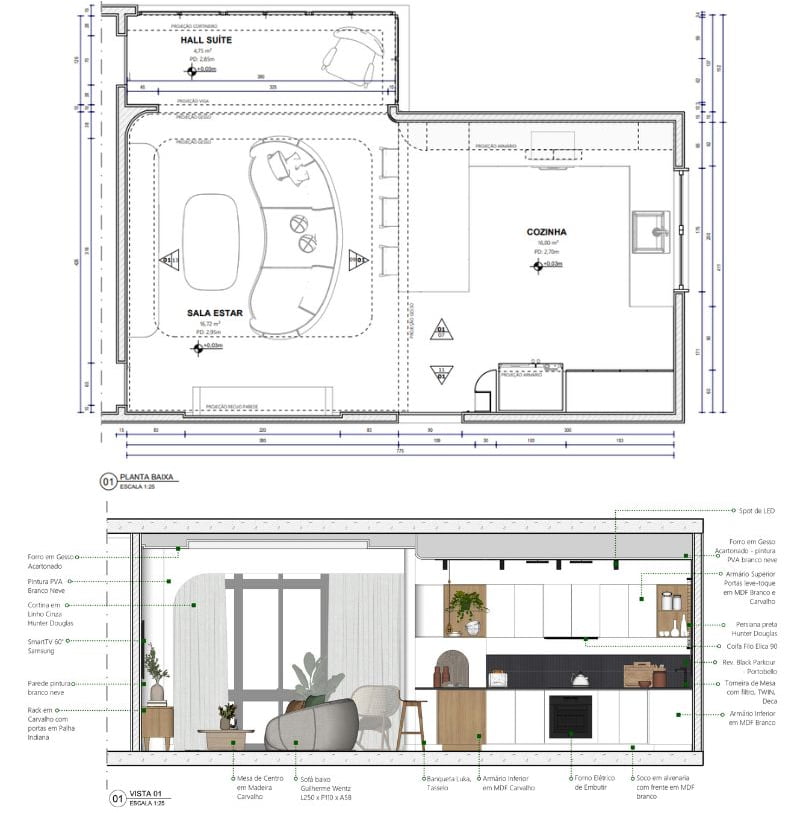
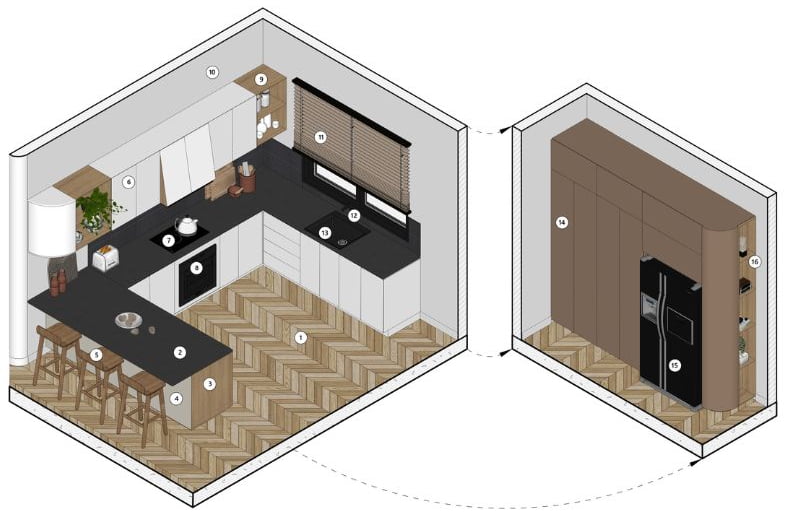
LayOut takes everything from the 3D model and turns it into technical and presentation drawings.
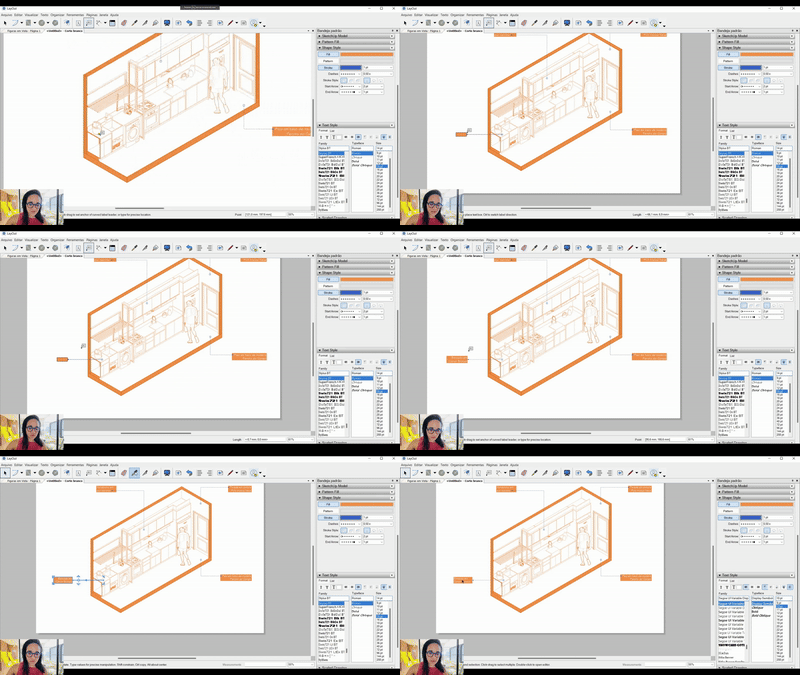
Plans, sections, elevations, details, isometrics.
That’s right—everything organized into scaled sheets, with symbols, title blocks, and annotations.
Now imagine this: you won’t need to draw anything in 2D anymore, because LayOut does it for you.
Whether for residential architecture, interior design, commercial or corporate projects, or woodworking…
LayOut is perfect for all of them.
What areas is the MAP course for?
- Residential projects
- Residential interior design
- Commercial interior design
- Corporate interior design
- Woodworking
- Metalwork
- Stonework
- Freelancers who provide design services
- Freelancers who provide rendered floor plans
- Architecture and interior design students
Get to know the MAP course modules: SketchUp LayOut
Updated in May 2026
WELCOME
- Welcome
- How to join the WhatsApp group
- Understanding SketchUp LayOut
PEAK OF THE MOUNTAIN
- Introduction
- How to create stylized images in LayOut
- How to create presentation floor plans in LayOut
- How to create a conceptual style with a technical approach in LayOut
- How to create a mood board in LayOut
PROJECT FACTORY
- Optimization
- Template creation
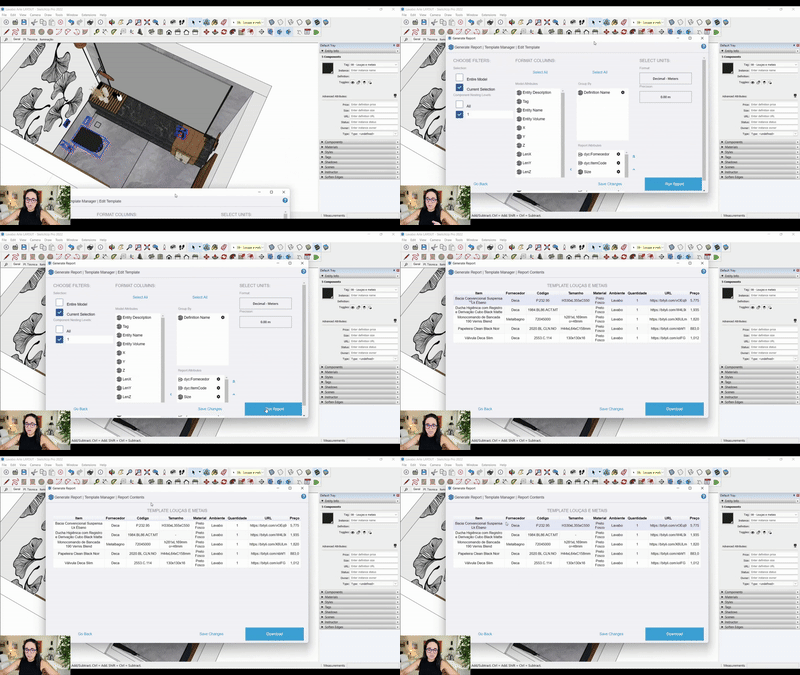
- Automatic reports
- Area reports in square meters and linear meters
- Components
- When to use a component only
GO SKETCHUP – FILE PREPARATION
- Introduction
- EP modeling
- Finalization of the EP model
- EP woodworking
- PE woodworking
- File optimization
GO LAYOUT – INTRODUCTION
- Introduction
- The 4 ways to start LayOut
- File
- Edit
- View
- Text
- Arrange
- Tools, Pages, Window and Help
- Colors
- SketchUp Models
- Shape Style and Pattern Fill
- Dimension Style
- Pages
- Text Style
- Layers
- Scrapbooks
GO LAYOUT
- Creating automatic sheets in LayOut
- Automatic text
- TASLA model
- Floor plan, drainage and plumbing
- Dynamic blocks, electrical and lighting plan
- Sections
- Finalizing drawings
- LSSCI
- All tips and tricks about dimensions
- How to create permit drawings and work with different project scales
- Plaster ceiling plan
- Demolition and construction plan
GO WOODWORKING
- Woodworking detail
- How NOT to make woodworking details
- How to organize woodworking modeling
- What if this happens?
- How to layout a woodworking sheet
- The 5-minute rule
- Presentation styles
- What to include in the model
- Preliminary design vs. executive project
- Sheets and the job market
- What drawings to include in sheets
- What scales to use for each drawing in the sheets
- Files and sheets together or separate?
- What is the correct way to do it
- How to build an automatic woodworking template in SketchUp
- How to build an automatic woodworking template in LayOut
- Organization and alignment of drawings
- Template standards – option 1
- Template standards – option 2
FACILITIES
- Two plus two
- New standard tray configuration
- Use this resource in LayOut
- How to align dimensions
- How to handle different line weights in section drawings
- How to handle different line weights in floor plans
CASA NAS ALTURAS
- Strategy
- Presentation of the House in the Heights
- Preliminary study of the house
- The 3 levels of project conception
- Final stage of the preliminary study
- How to create an executive house project in SketchUp and LayOut
UM MUNDO DE IDEIAS
- Creation with Milanote
- Site study with PreDesign
- Color study with Adobe Color
- Creating a conceptual background
- This question can change everything
- How to apply noise in LayOut
- Conceptual image with noise
- Baroli-style isometric
- Conceptual image mixing linework
- The style I like the most
TEMPLATES
- Scrapbooks: Custom tables
- Scrapbooks: Electrical, plumbing, drainage, and gas diagrams
- Scrapbooks: Marble finishes
- Scrapbooks: Wood joints
- Scrapbooks: Woodwork
- Scrapbooks: Plaster
- Scrapbooks: Sills
- Scrapbooks: Finish profiles
- Scrapbooks: Handles
- Scrapbooks: Skirting boards
- Scrapbooks: Thresholds
- Scrapbooks: Floor transitions
- Scrapbooks: Symbols
- Scrapbooks: Human figures
- Hatch patterns pack
- 54 custom sheet templates – A0, A1, A2, A3, and A4 sizes
- Varied mood board templates
- Automatic template: Full executive house project
- PNGs and JPEGs: people and vegetation
- 70 packs of 3D blocks
- 2D block library
- Report templates
- SB Bedroom Project: SketchUp and LayOut files for study
- SB Kitchen Project: SketchUp and LayOut files for study
BLOCOS DINÂMICOS
- Hydrosanitary and gas points
- Electrical points
- Square, rectangular, and round lighting fixtures
- Doors and windows
- Single and track spotlights
- Slatted panels
- Wall claddings
LAYOUT - NOVIDADES
- Performance
- Moving viewports
- Axis
- Text box
- Ambient occlusion
And also:
Learn how to create stylized images
Generate automatic reports
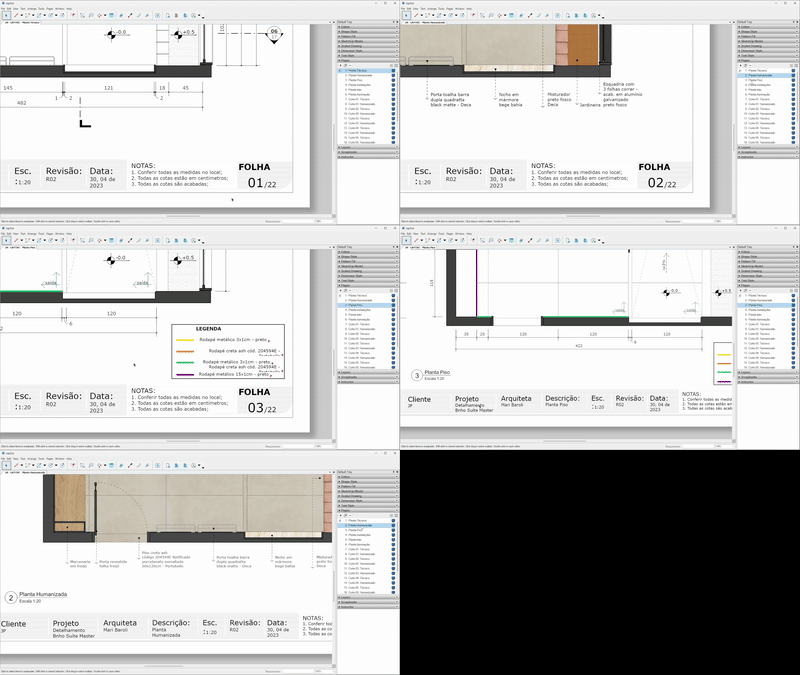
Get access to automatic layout sheets
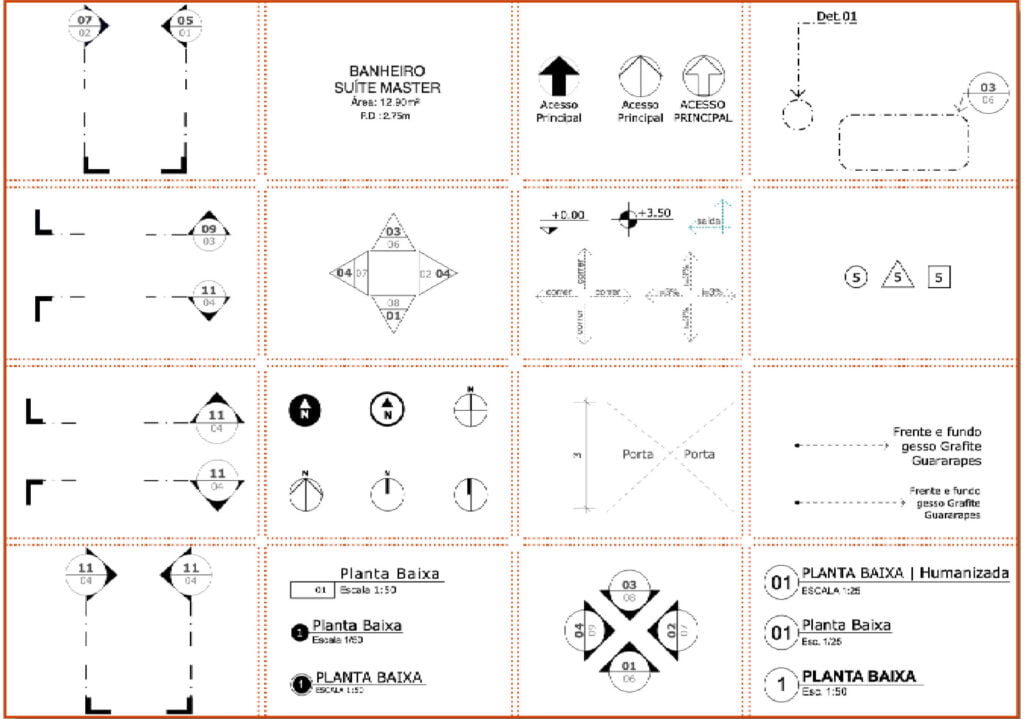
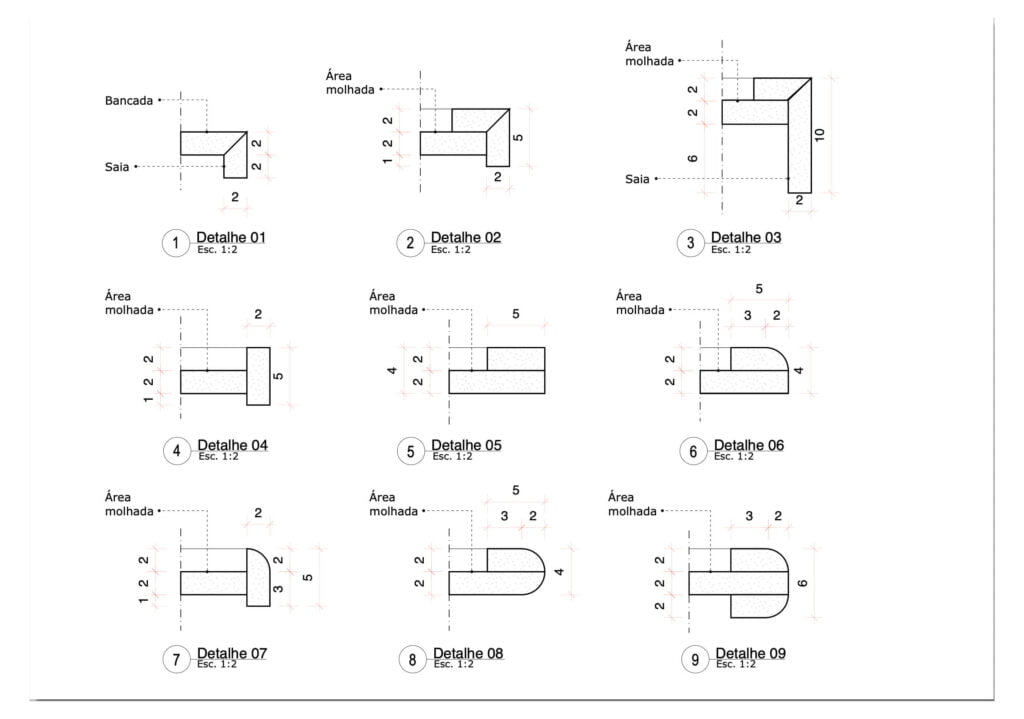
Scrapbooks: 100+ ready-to-use details and symbols
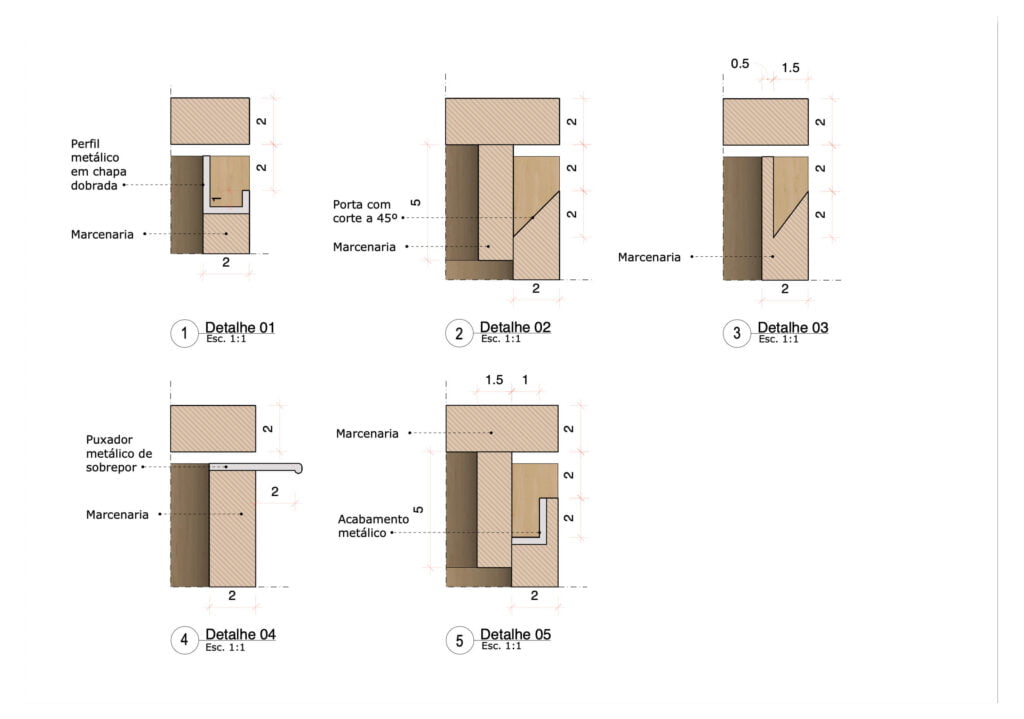
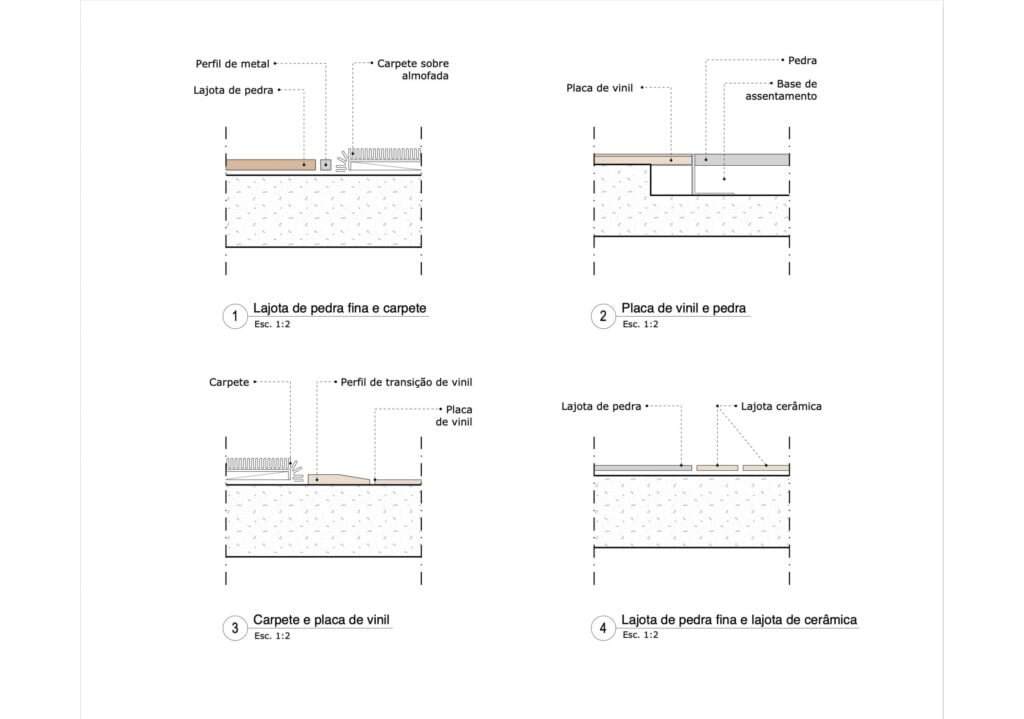
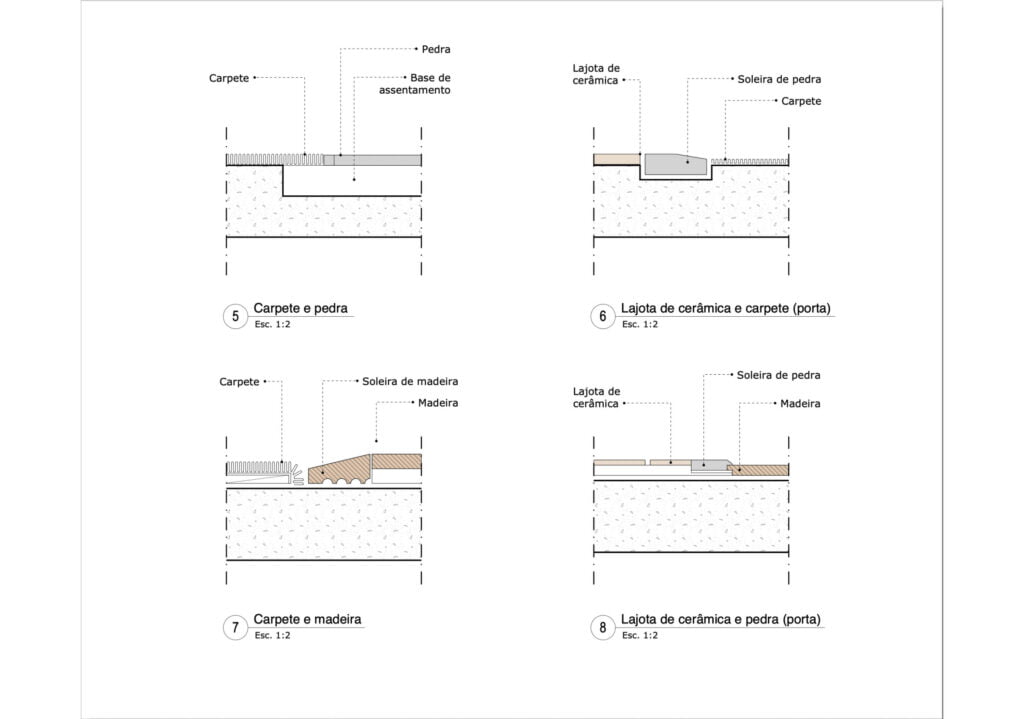
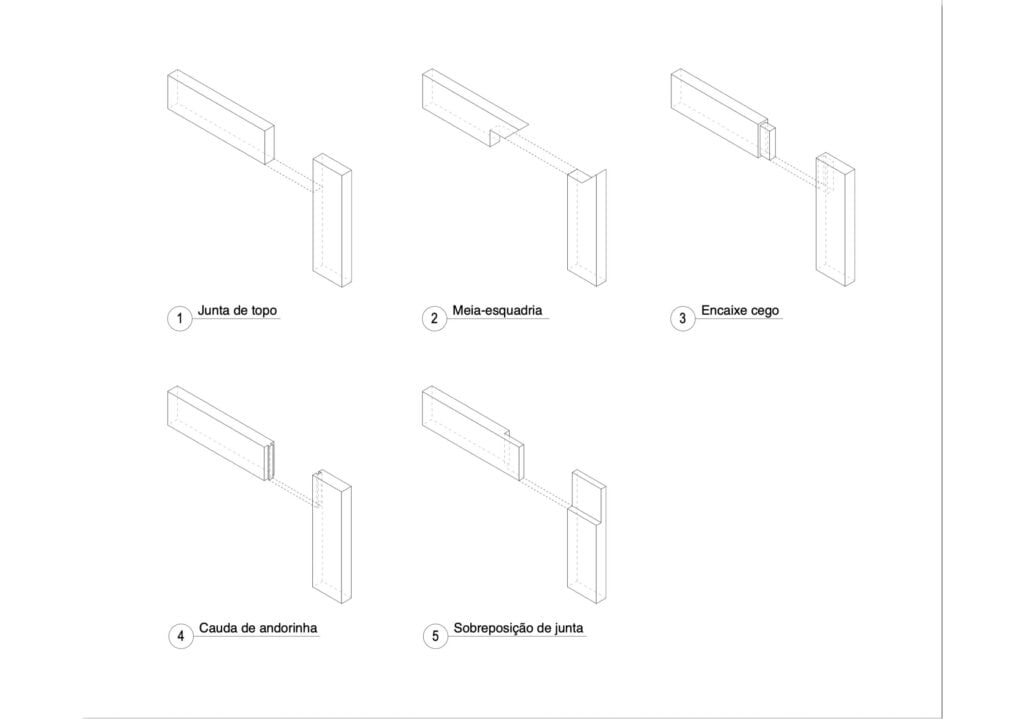
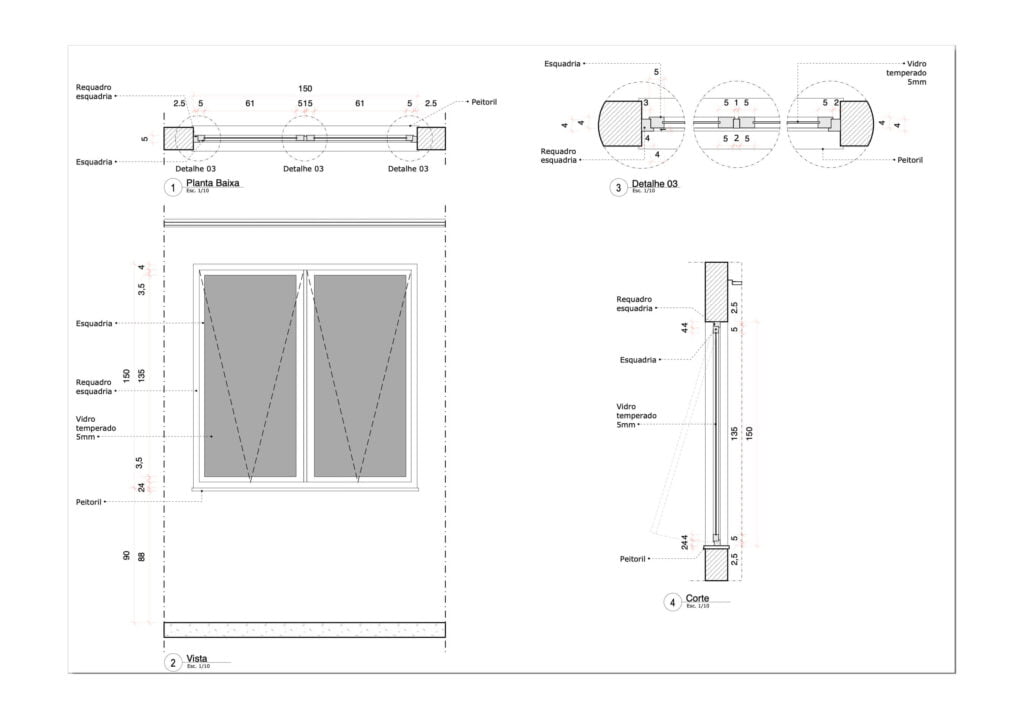
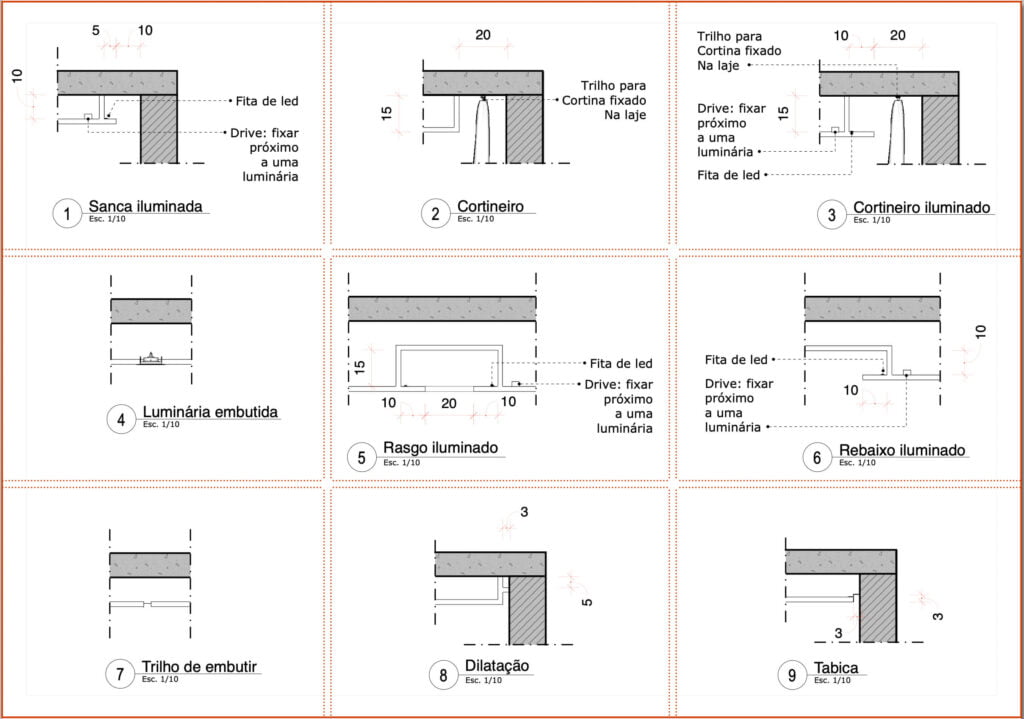
Scrapbooks are ready-to-use detailing templates stored inside the LayOut tool for use in your projects.
With a simple click and drag, you’ll have ready-made details available to use in your projects. Everything is designed to speed up your workflow and make your day-to-day easier.
Check out some examples below:
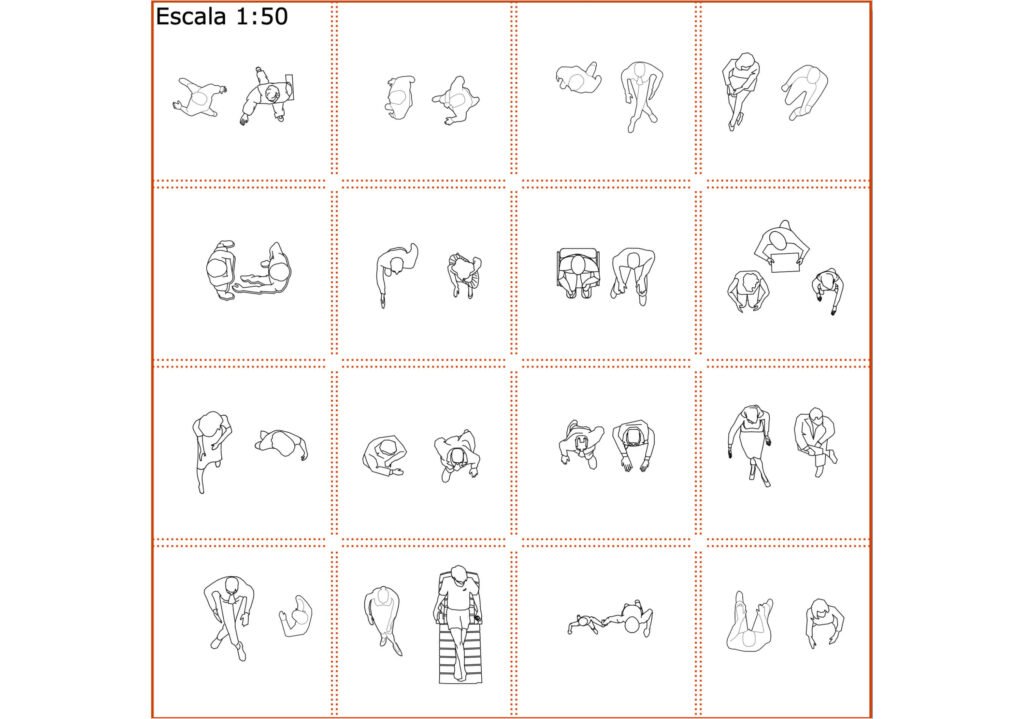
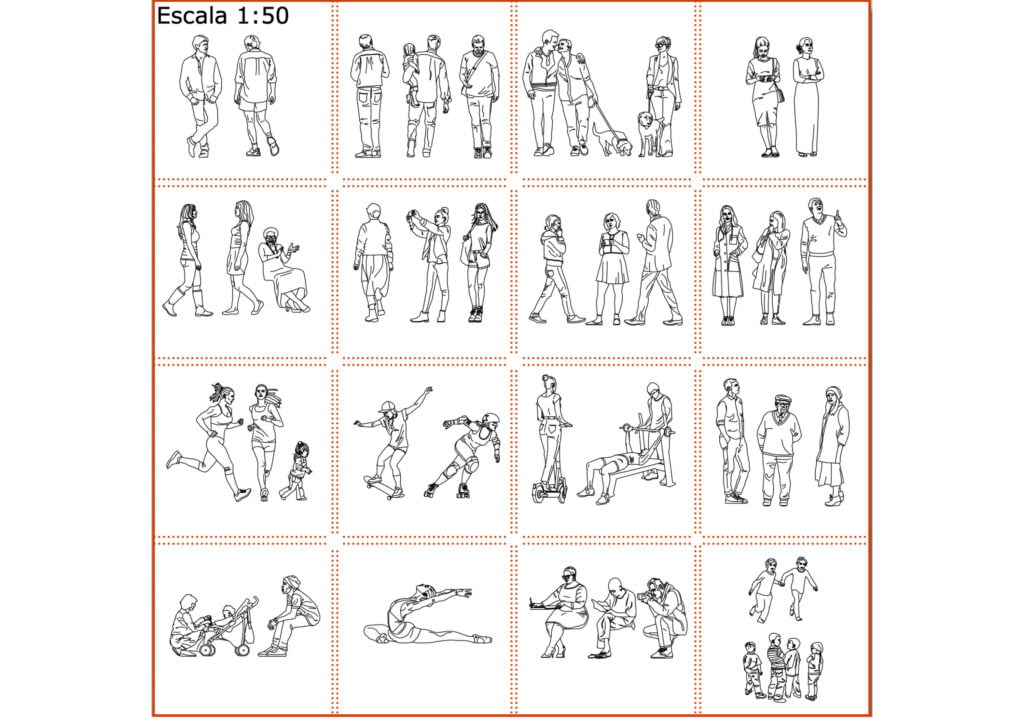
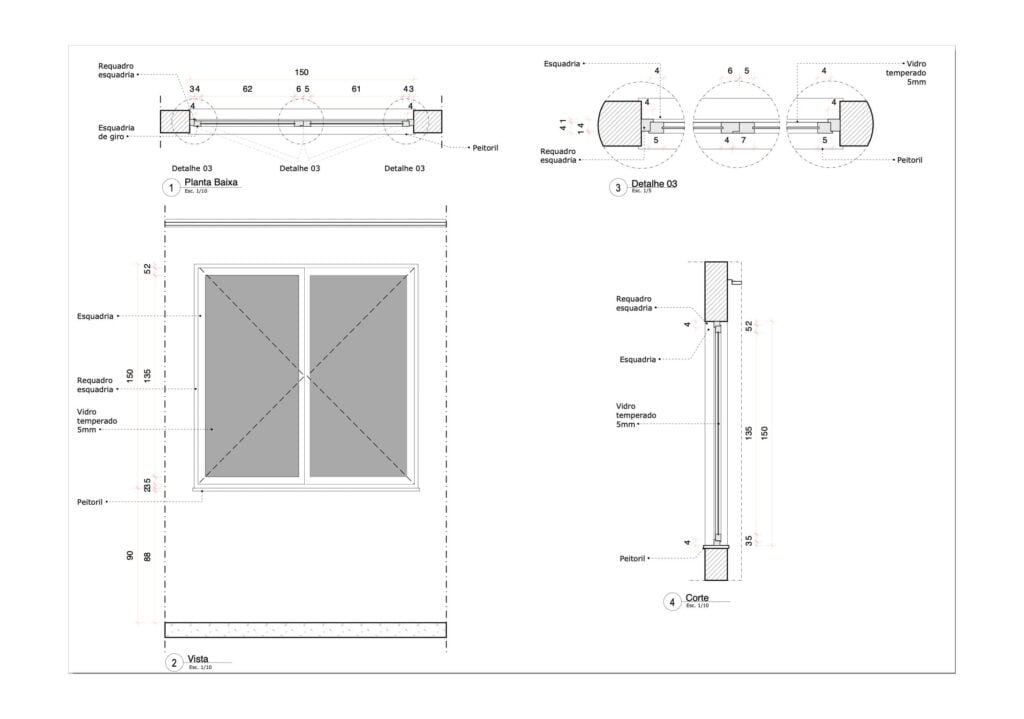
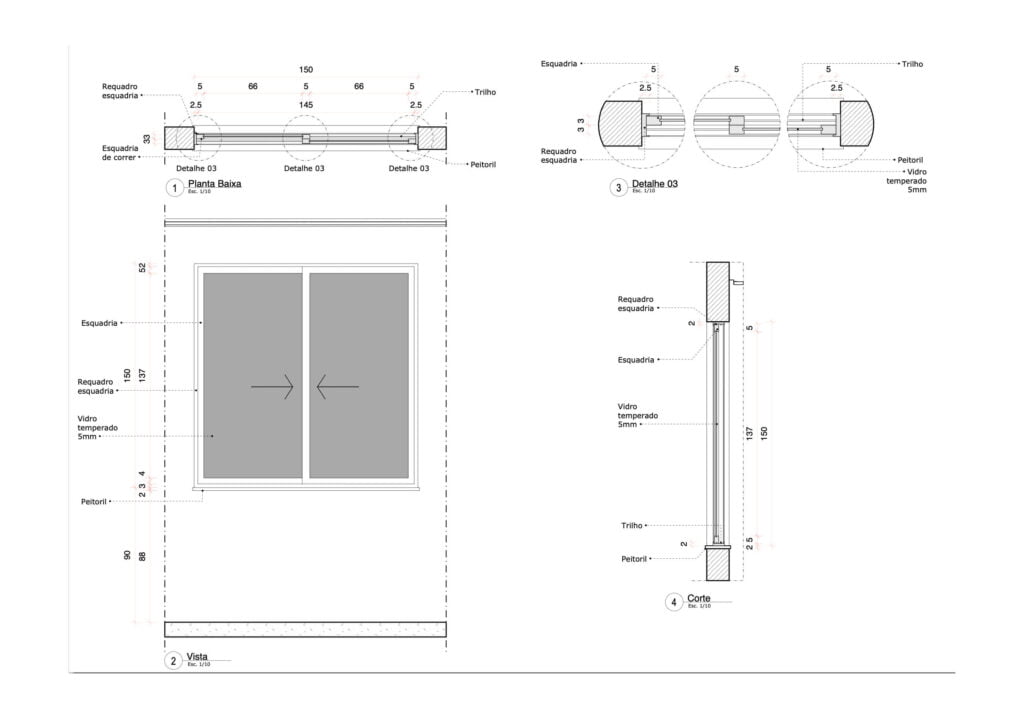
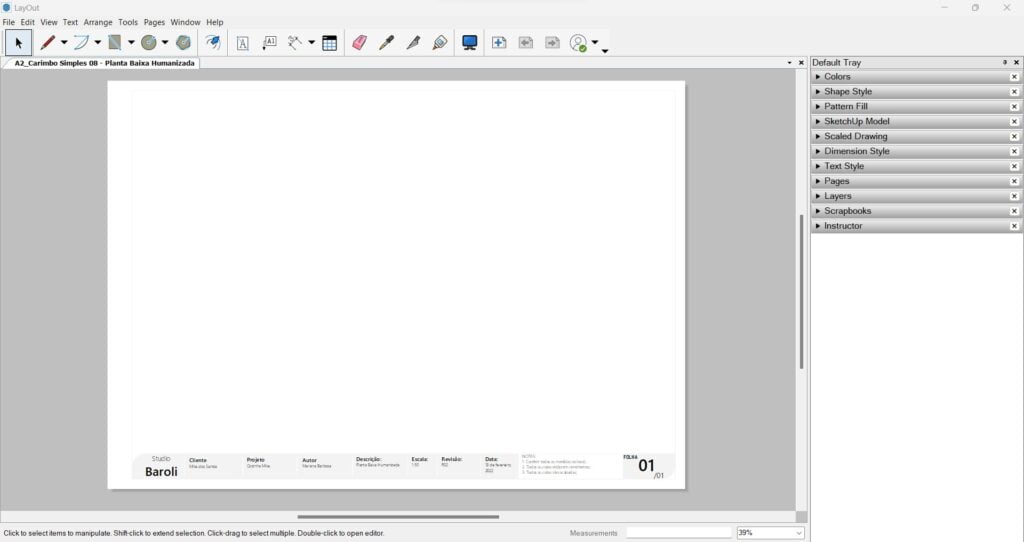
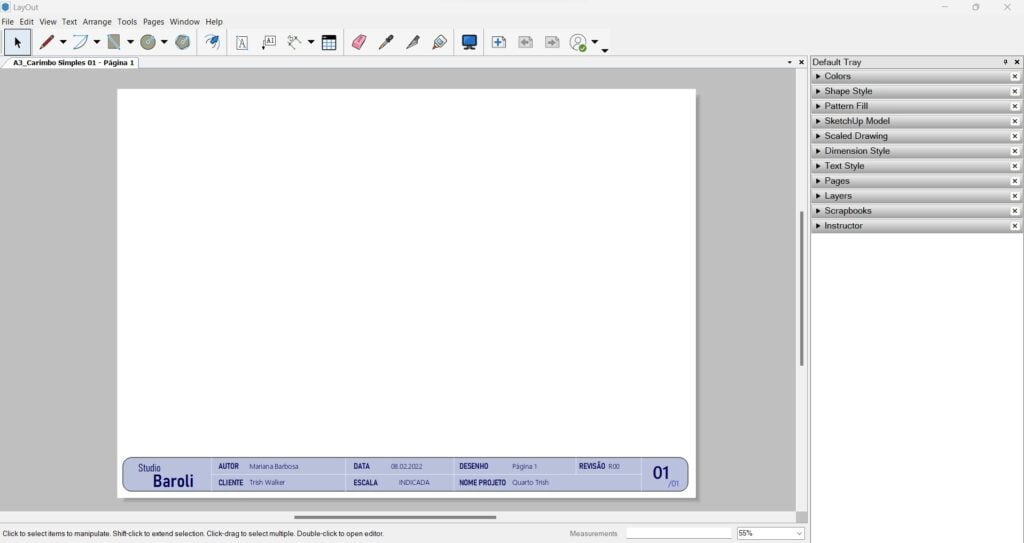
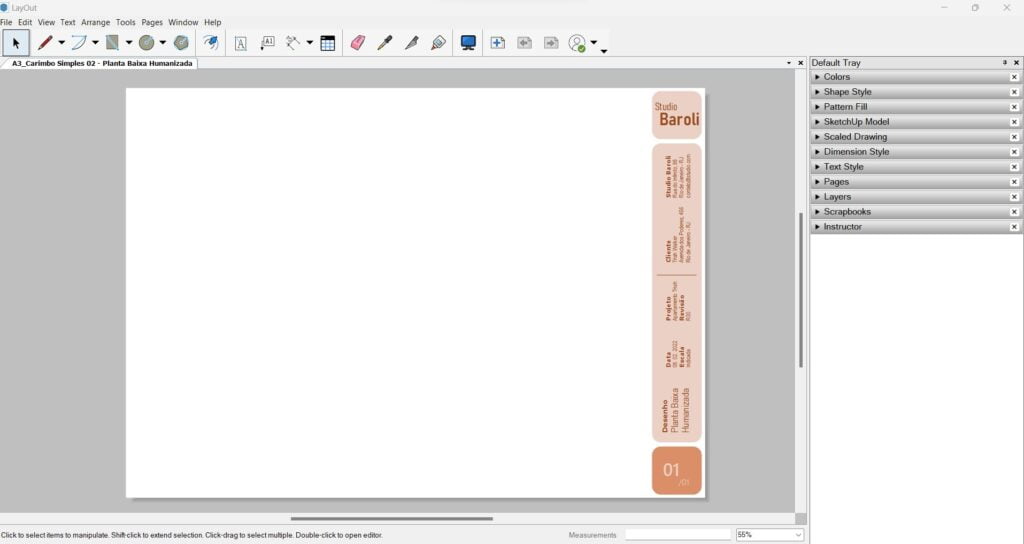
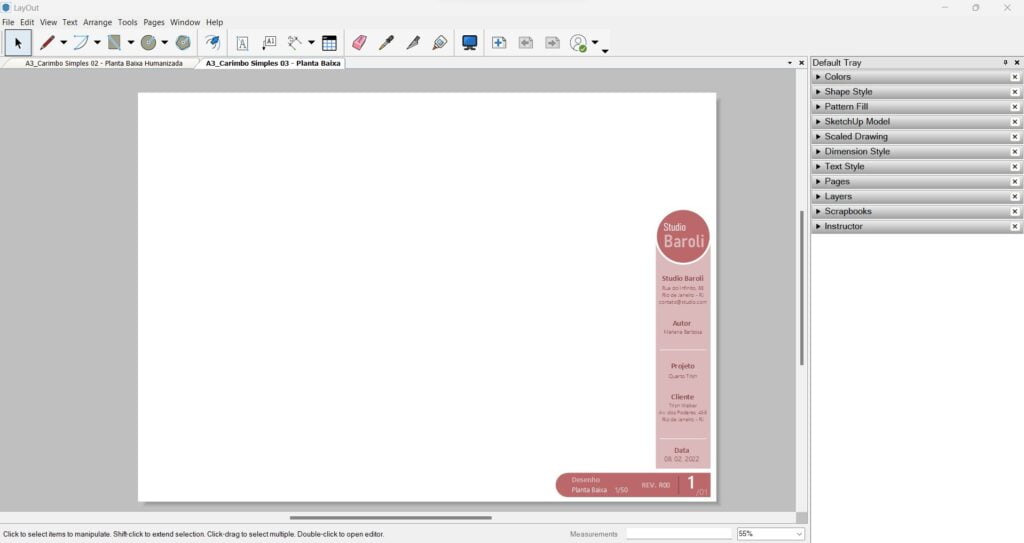
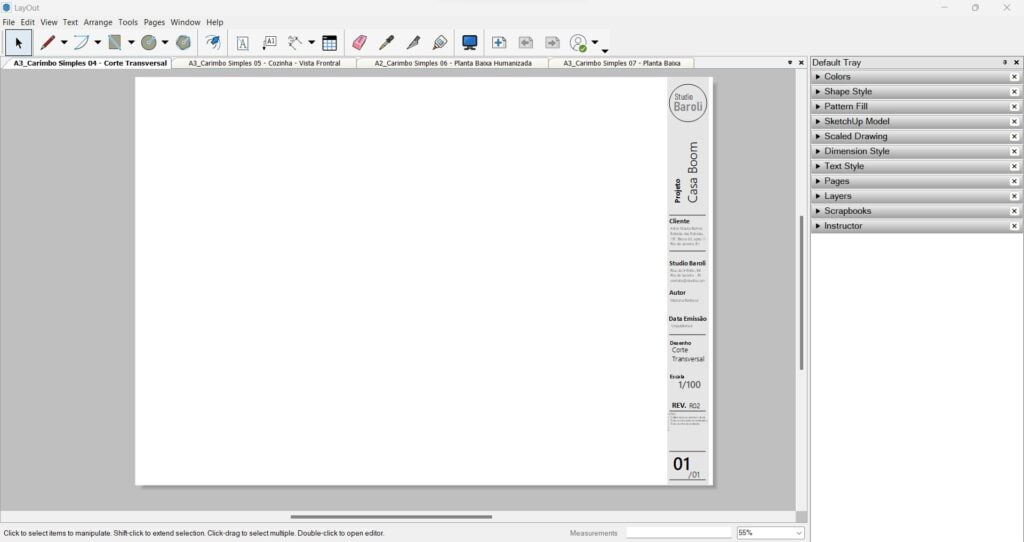
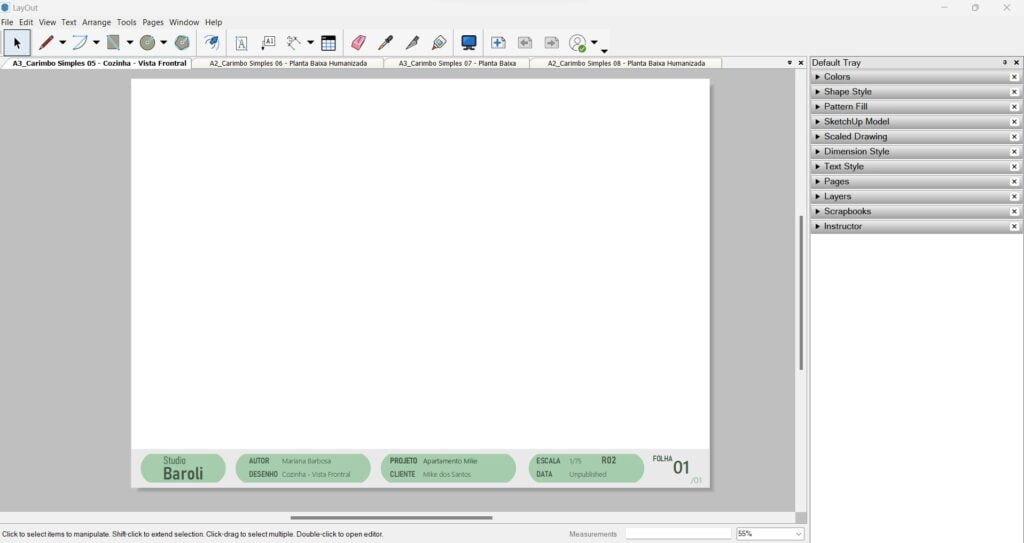
Access to sheets with stylized and automatic title blocks
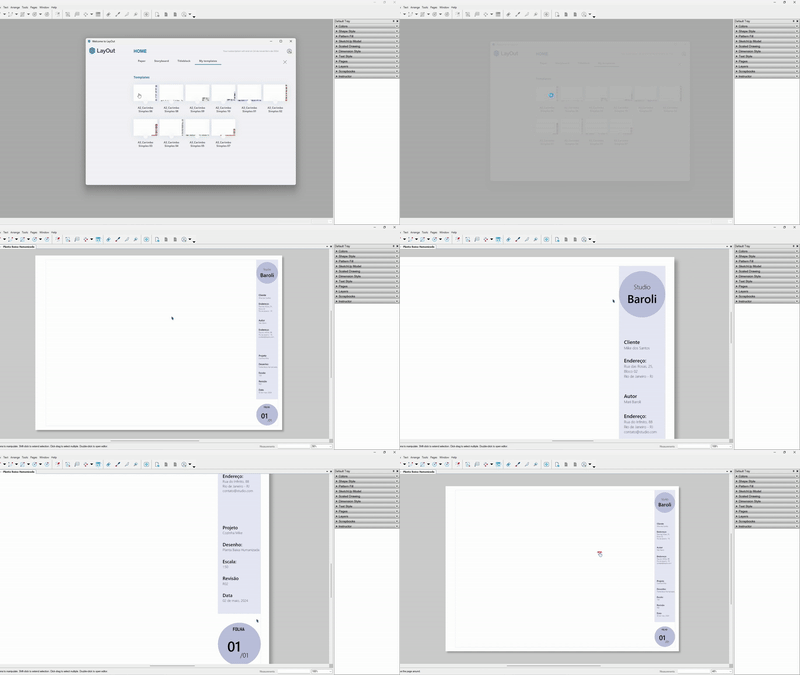
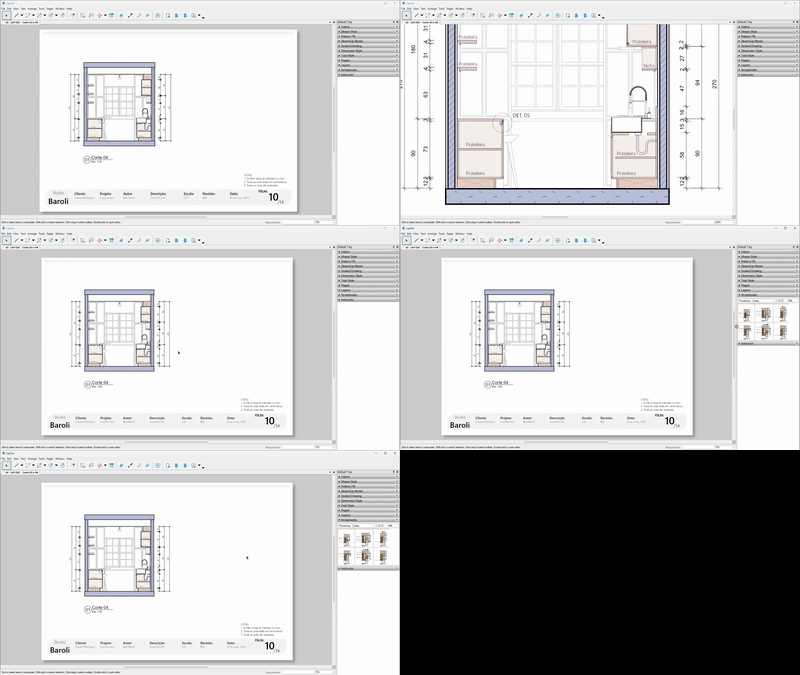
You’ll be able to download the sheet templates I use in my projects.
The title blocks were created with smart text features, meaning automatic text replacement and automatic page numbering, like magic.
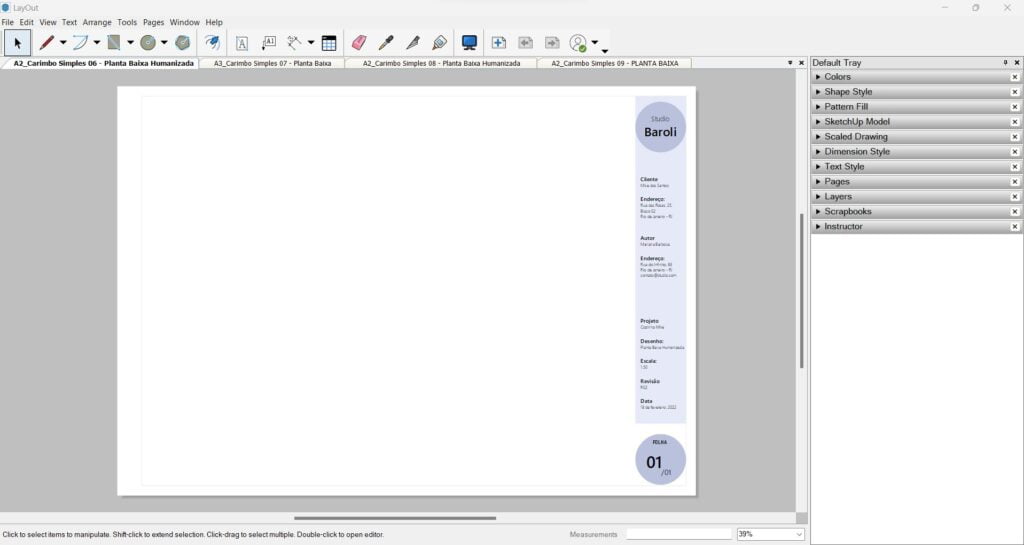
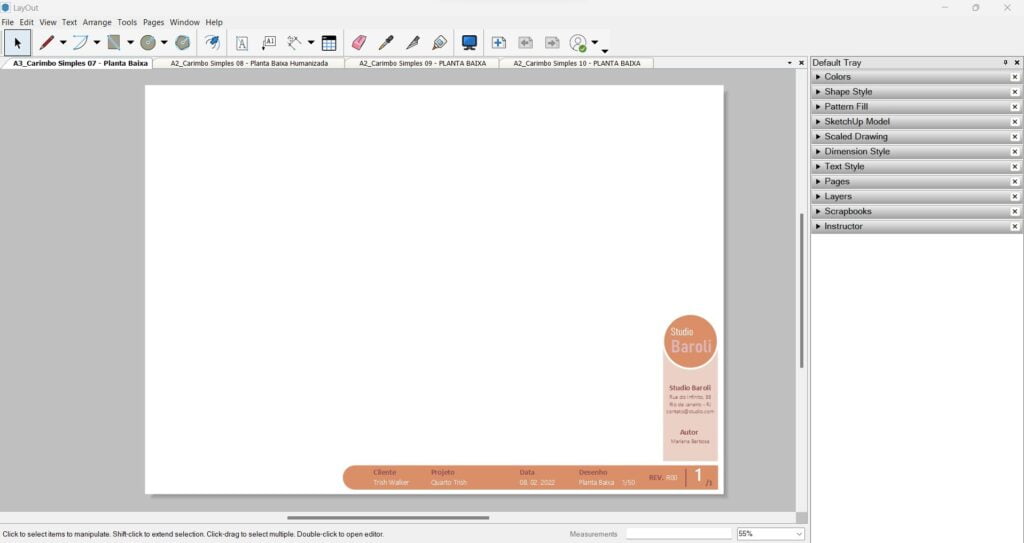
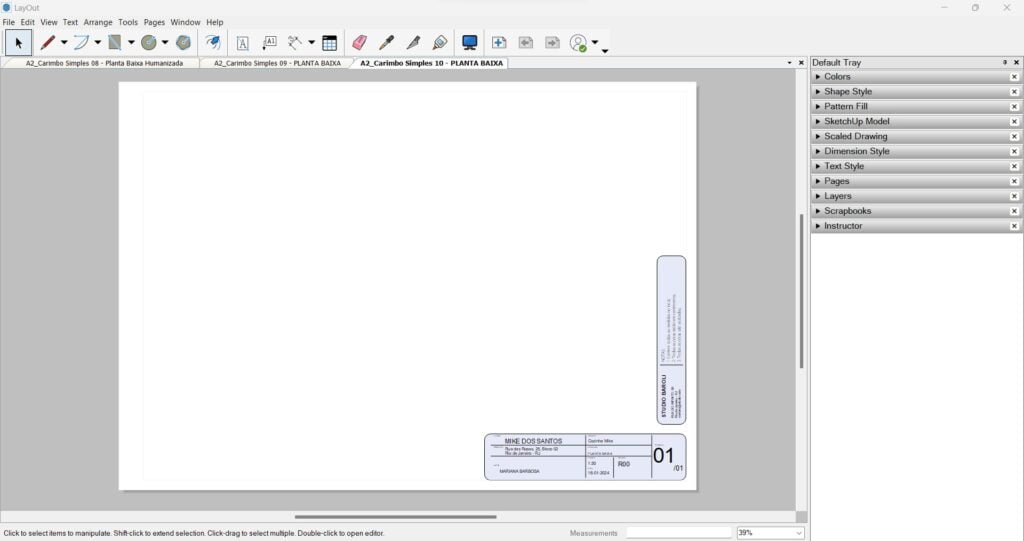
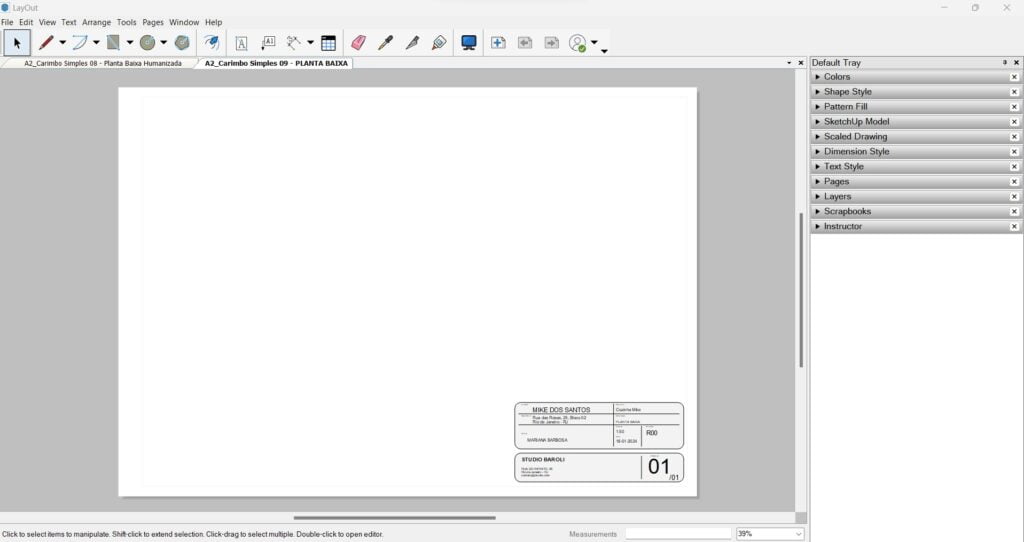
You’ll get access to BaseB, an exclusive community for students focused on job referrals, Q&A support, and networking.
Never on your own! You’ll have access to our active WhatsApp community to get all your questions answered.


Check out the exclusive bMAP bonuses
SketchUp from Scratch Course
A course designed for you to master SketchUp modeling from scratch.
There’s nothing better than following the same methodology from beginning to end. With your journey in mind, this course will help you start designing in 3D using SketchUp.
You’ll get access to 9 modules and 47 lessons available.
Templates to speed up your results
Imagine how much time you’ll save with all the work I’ve already done for you.
You’ll get access to ready-to-use templates for sheets, symbols, and detailing that you can download and use in your own projects.
- 10 Mood Board Templates in LayOut
- 54 Stylized Sheet Templates in LayOut (A0 to A4 sizes)
- 10 Table Templates for LayOut
- Automatic SketchUp and LayOut Template – “Houses” Theme
- Automatic SketchUp and LayOut Template – “Bathroom” Theme
- Template for Generating Reports
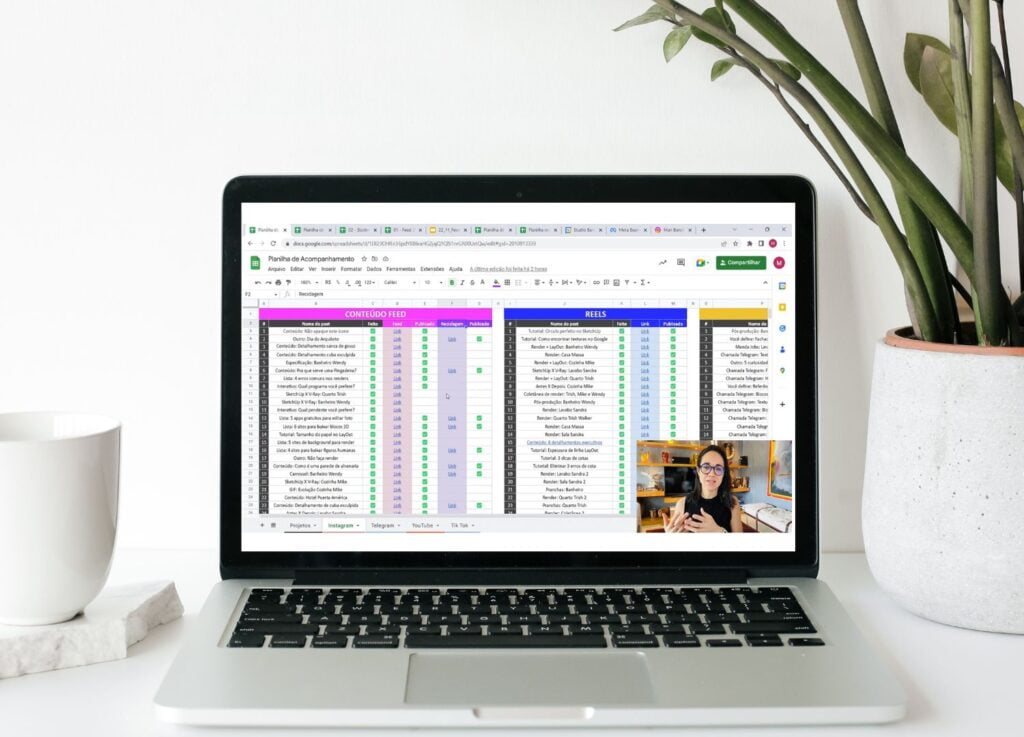
Get clients with my help:
Land job opportunities.
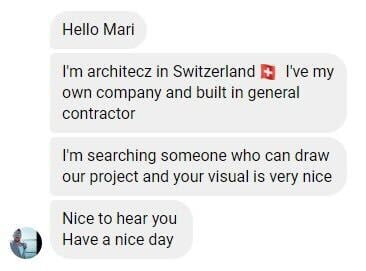
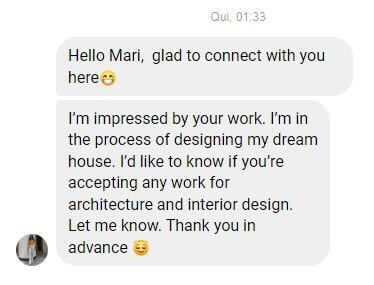
Students who stand out may have the opportunity to work with me or be referred by me to real client projects.
In addition, we have a private and exclusive WhatsApp group for course students, where we share networking opportunities, business leads, and job openings.
This is your chance to get the opportunity you’ve been looking for, gain more clients, land that job opportunity, or connect with qualified professionals to hire.
3D Model Packs
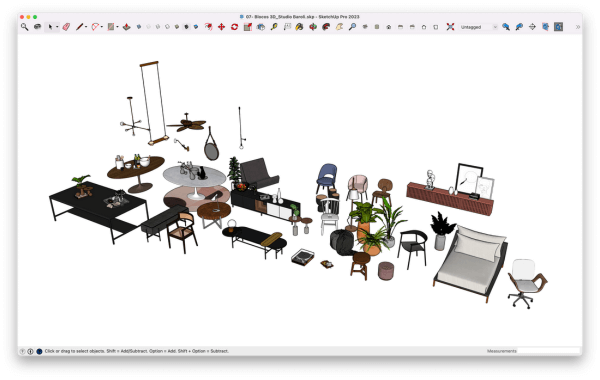
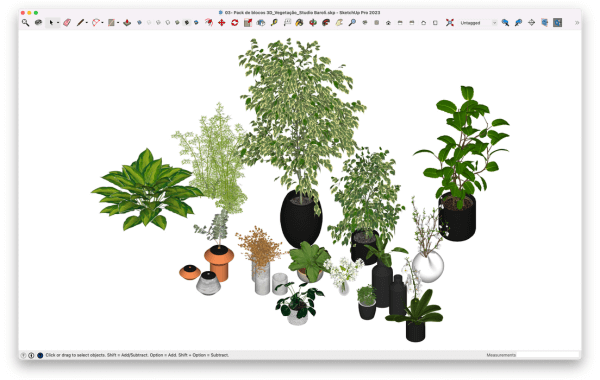
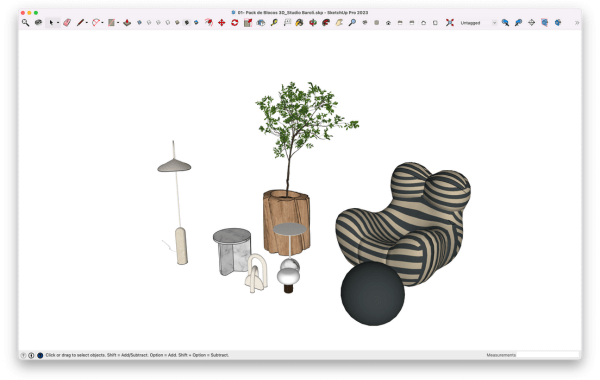
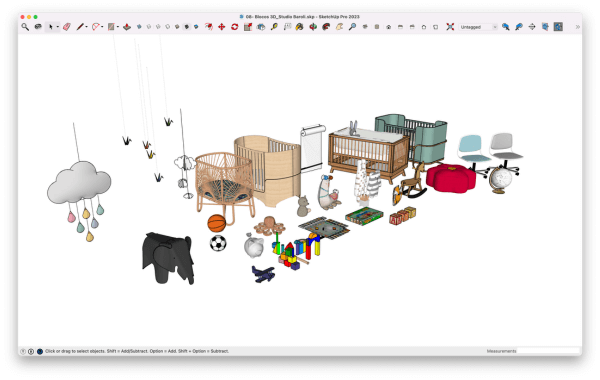
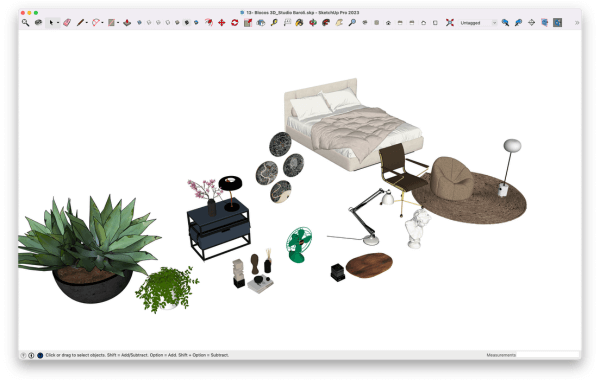
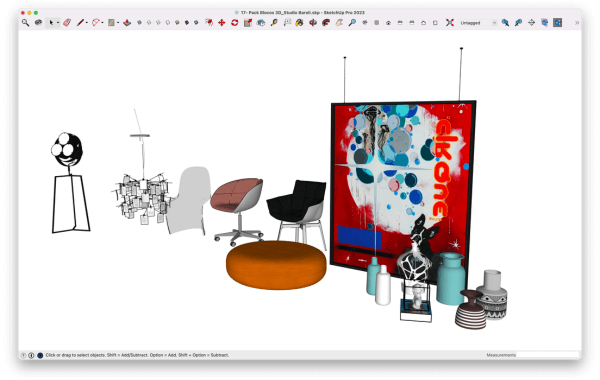
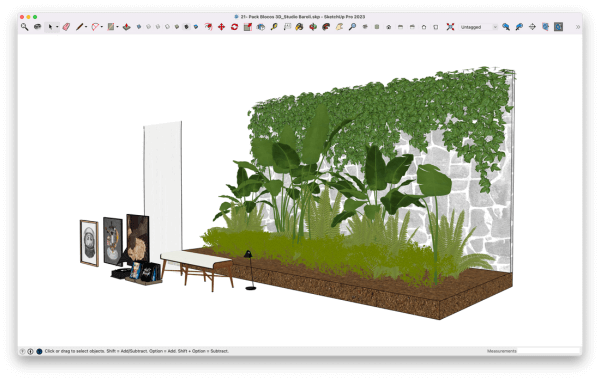
You’ll get access to 70 curated 3D Model Packs, personally selected by me and taken directly from my own projects, so you can download and use them in yours too.
Just imagine how much time you’ll save, no more wasting hours searching for high-quality 3D models.
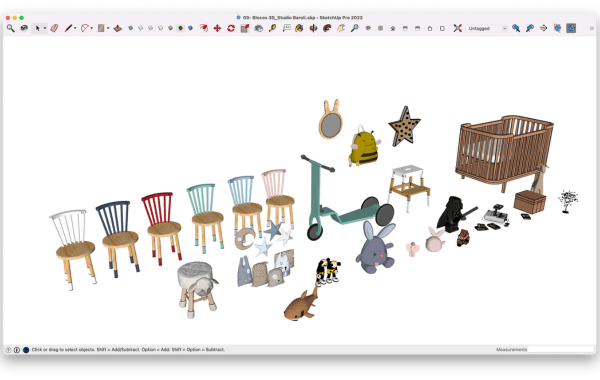
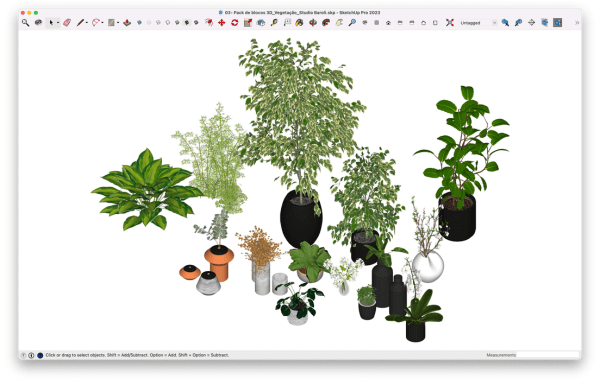
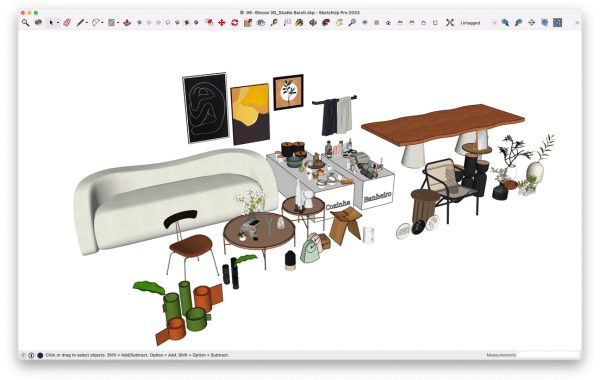
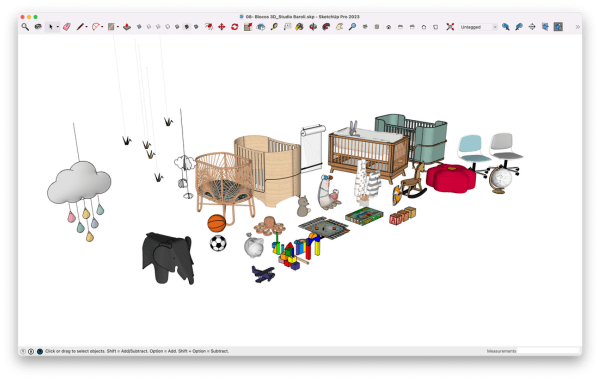
Dynamic Components
Dynamic Components
Dynamic Components are “smart” 3D models with editable parameters.
Instead of modeling everything from scratch, you simply adjust pre-configured values to change dimensions, materials, openings, and much more — just by typing in the values you want, without having to remodel anything.
You gain speed, efficiency, and productivity.
LayOut Hatch Pattern Library
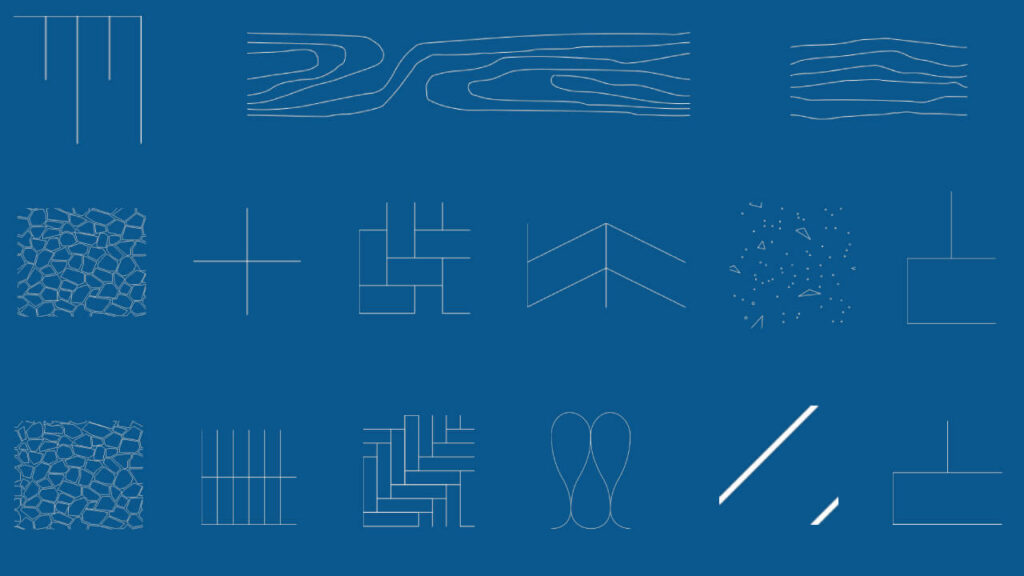
105 Hatch Patterns for LayOut
105 hatch patterns for LayOut in the following colors: blue, white, gray, orange, black, green, and red.
Themes: masonry variation 1 and 2, masonry in section, concrete in section, fish scale 1 and 2, herringbone pattern, acoustic insulation, wood in section, wood in elevation, square pattern, rectangular pattern, stone texture 1 and 2, terrain slope in elevation.
You’ll also get an extra lesson with a step-by-step guide on how to use them in your projects.
Scrapbook Library
A collection of ready-to-use, organized, and editable scrapbooks with everything you need to create technical sheets quickly and professionally.
Symbols, human scale figures, handles, floor transitions, wood joints, frames, people in elevation/plan view, gypsum details, thresholds, baseboards, stonework details, window sills, and finishing profiles.
Just drag, drop, and adjust.

Conheça sua professora
Mari Baroli é Arquiteta, representação de projetos executivos, detalhamentos e render e hoje é a Embaixadora do SketchUp no Brasil.
Foi professora do Istituto Europeo Di Design (IED)– unidade Rio, no curso Saperfare – Design de Interiores.
Já trabalhou em escritórios como:
- André Piva Arquitetura
- Miguel Pinto Guimarães Arquitetura
- Feu Arquitetura
Neste último, atuou como arquiteta na área de apresentação de projetos e 3D, utilizando as ferramentas SketchUp, V-Ray e Photoshop, onde participou em mais de 70 projetos para clientes como:
Multiplan, Calper, Calçada Construtora, Banco Opportunity, Interrio, Ink, Carvalho Hosken, entre outros.
Em 2016 começou a ministrar aulas presenciais na área e em dezembro de 2021 inaugurou o Studio Baroli.
Here’s a recap of everything you’ll get today:
You’ll get access to all of this content for a fraction of the price.
🔶MAP Course: LayOut for SketchUp
PLUS, FULL ACCESS TO ALL THE EXCLUSIVE BONUSES:
🔶SketchUp Course
🔶Templates
🔶Scrapbook Library
🔶Hatch Library
🔶Dynamic Components
🔶3D Model Packs
🔶Program: Get Clients with My Support
🔶 Student Support
$297
2 Years of Access
Subtitles in English and Spanish.
Contact Support
If you have any questions, our team is ready to help you on WhatsApp. Just click the button below and send us a message.
Copyright © 2022. Todos os direitos reservados. S.B. EMPREENDIMENTOS DIGITAIS LTDA CNPJ: 45.519.407/0001-68